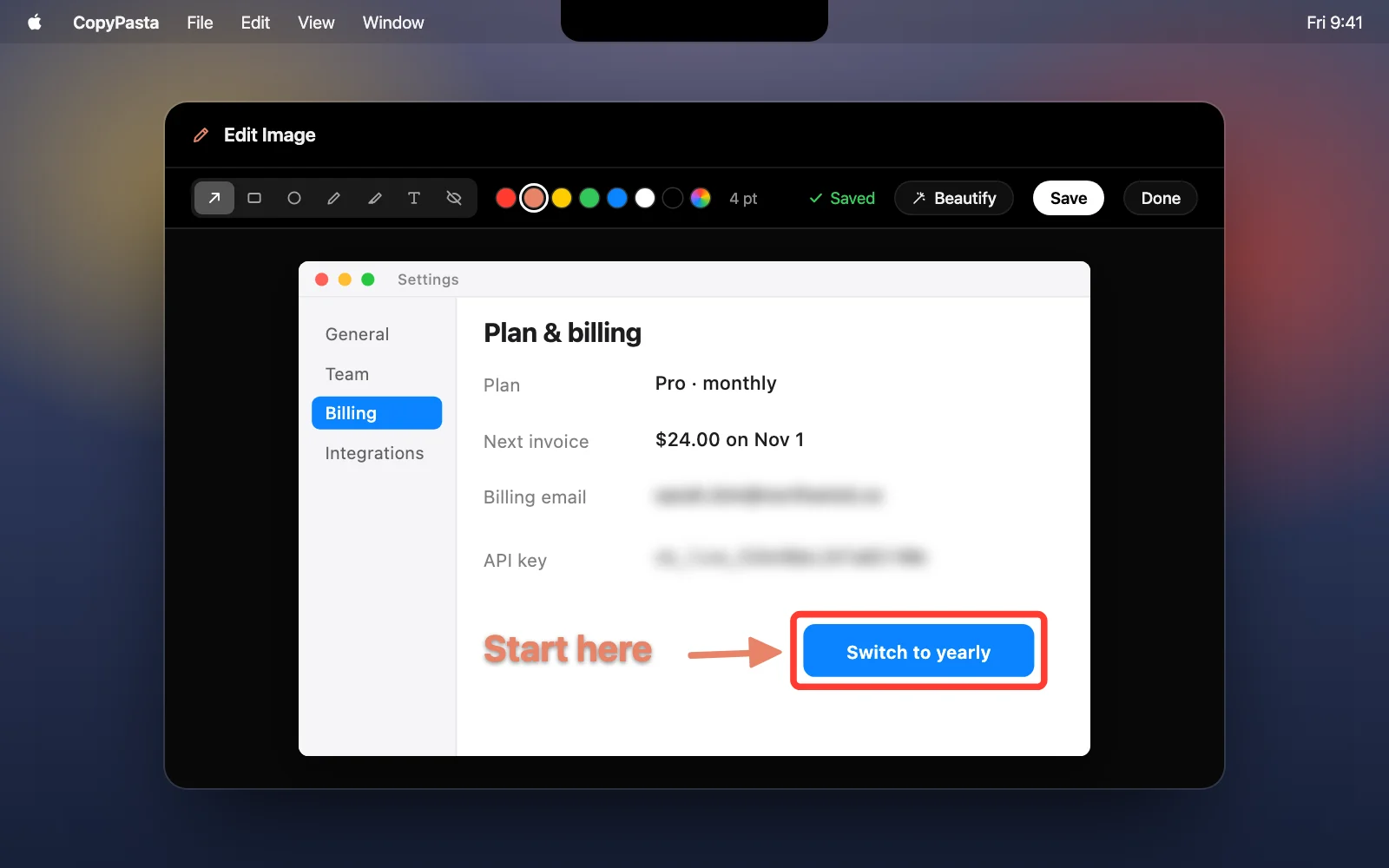
Mark up and blur screenshots before you share them
Draw arrows and boxes, add a note or blur an email on any image you copied, then save it back to your history.
The CopyPasta Blog
News, guides and clipboard tips for getting more out of your Mac.
Draw arrows and boxes, add a note or blur an email on any image you copied, then save it back to your history.
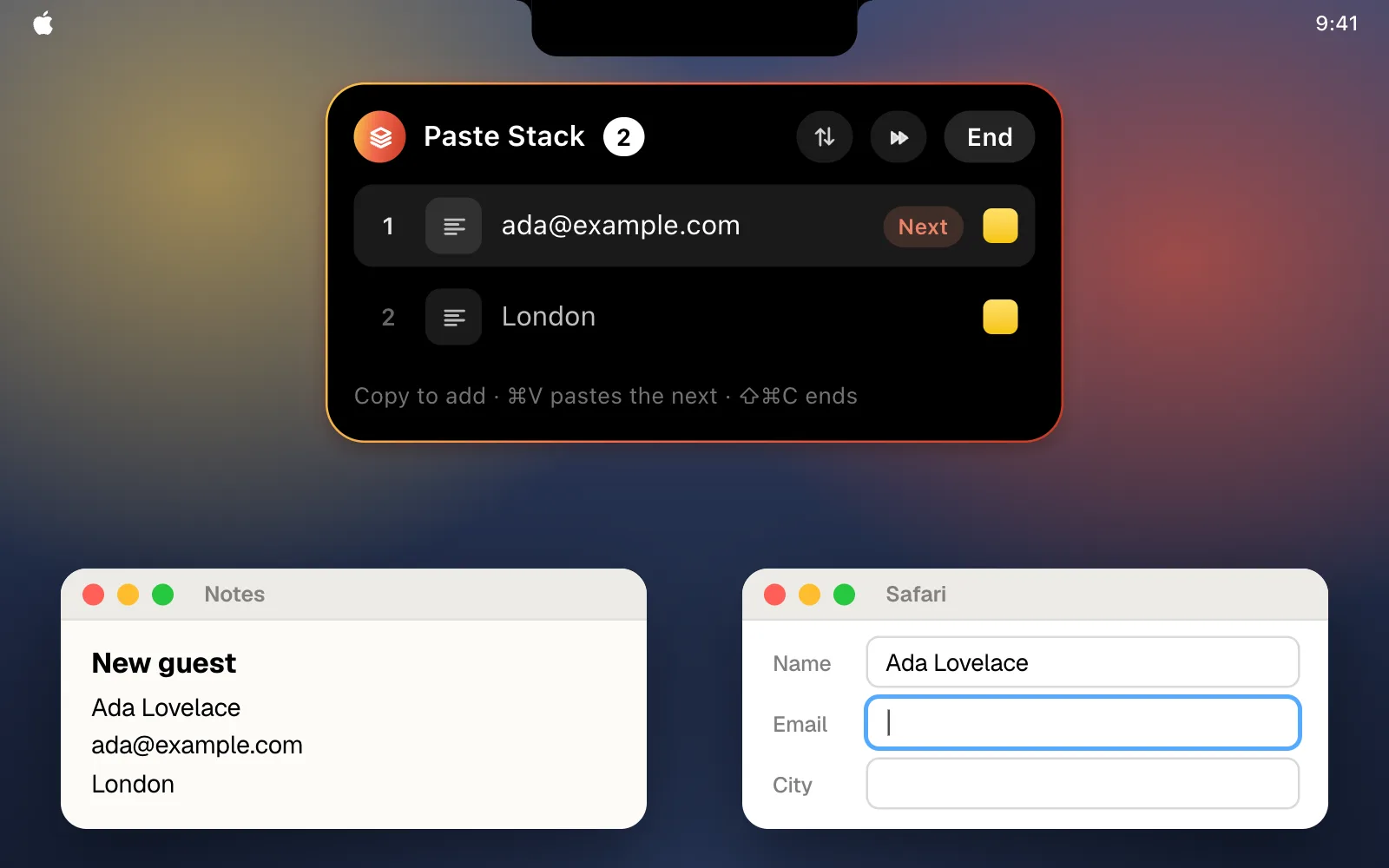
Press ⇧⌘C and copy what you need. Each ⌘V then pastes the next clip, in order, so filling in a form takes one trip.
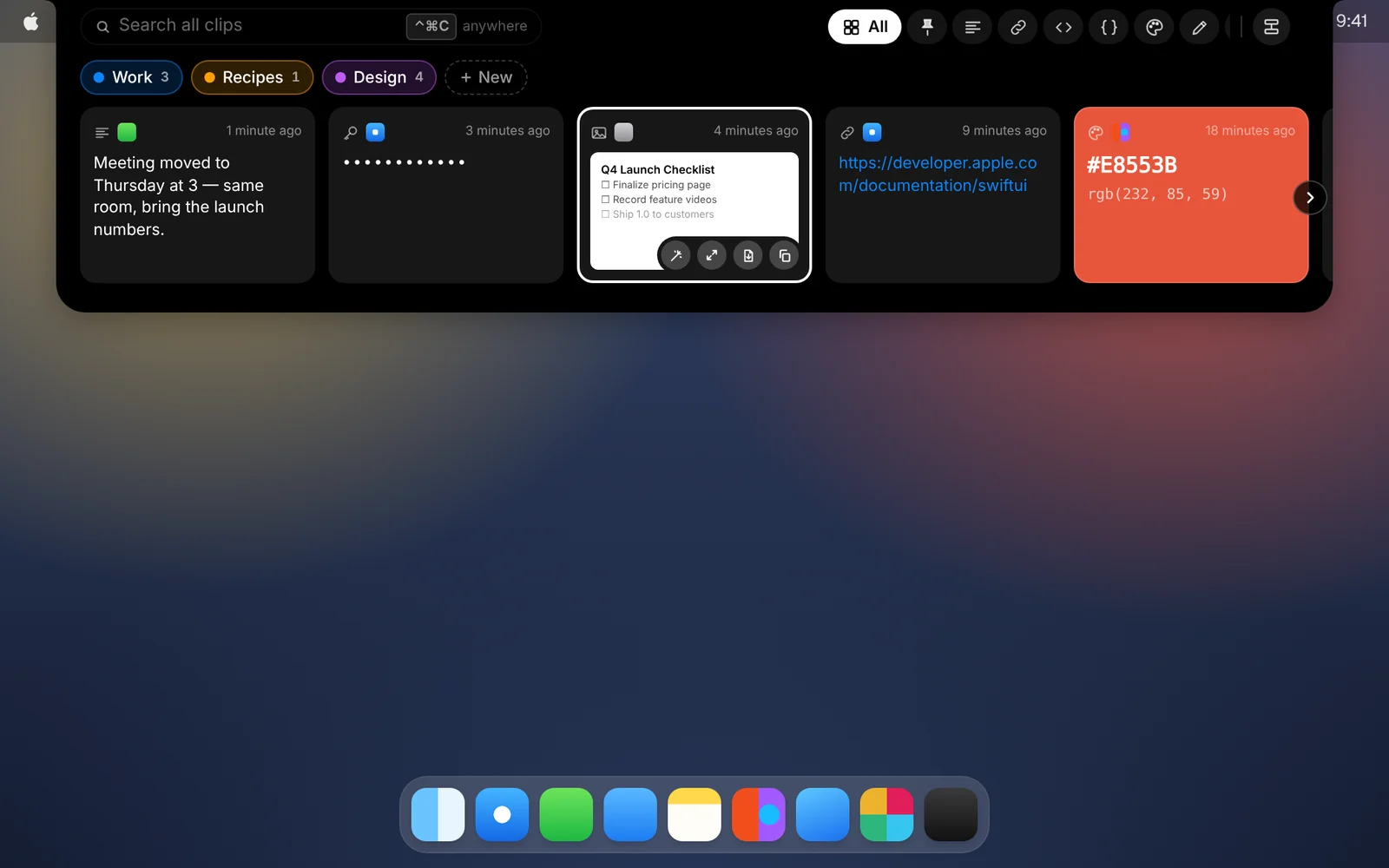
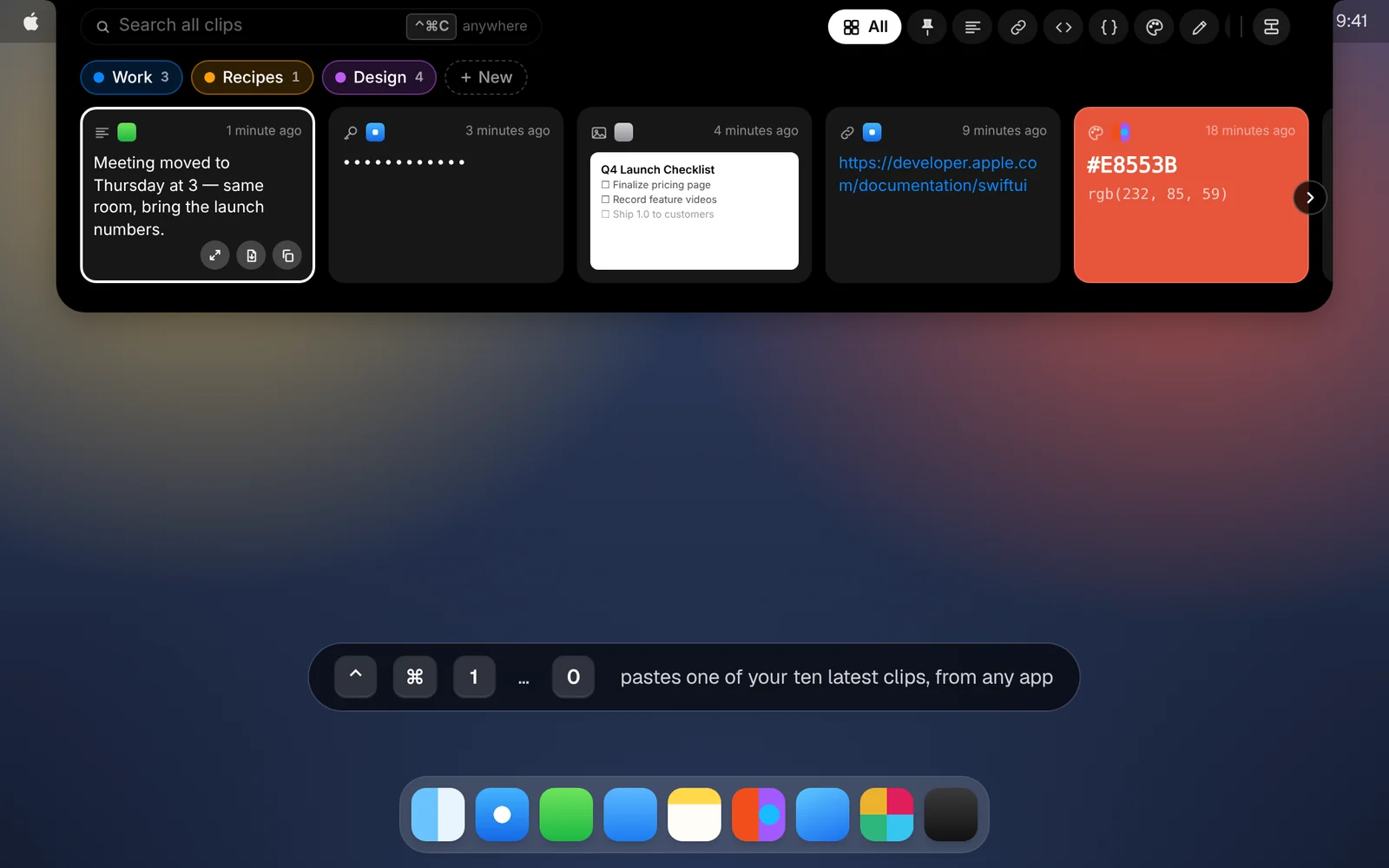
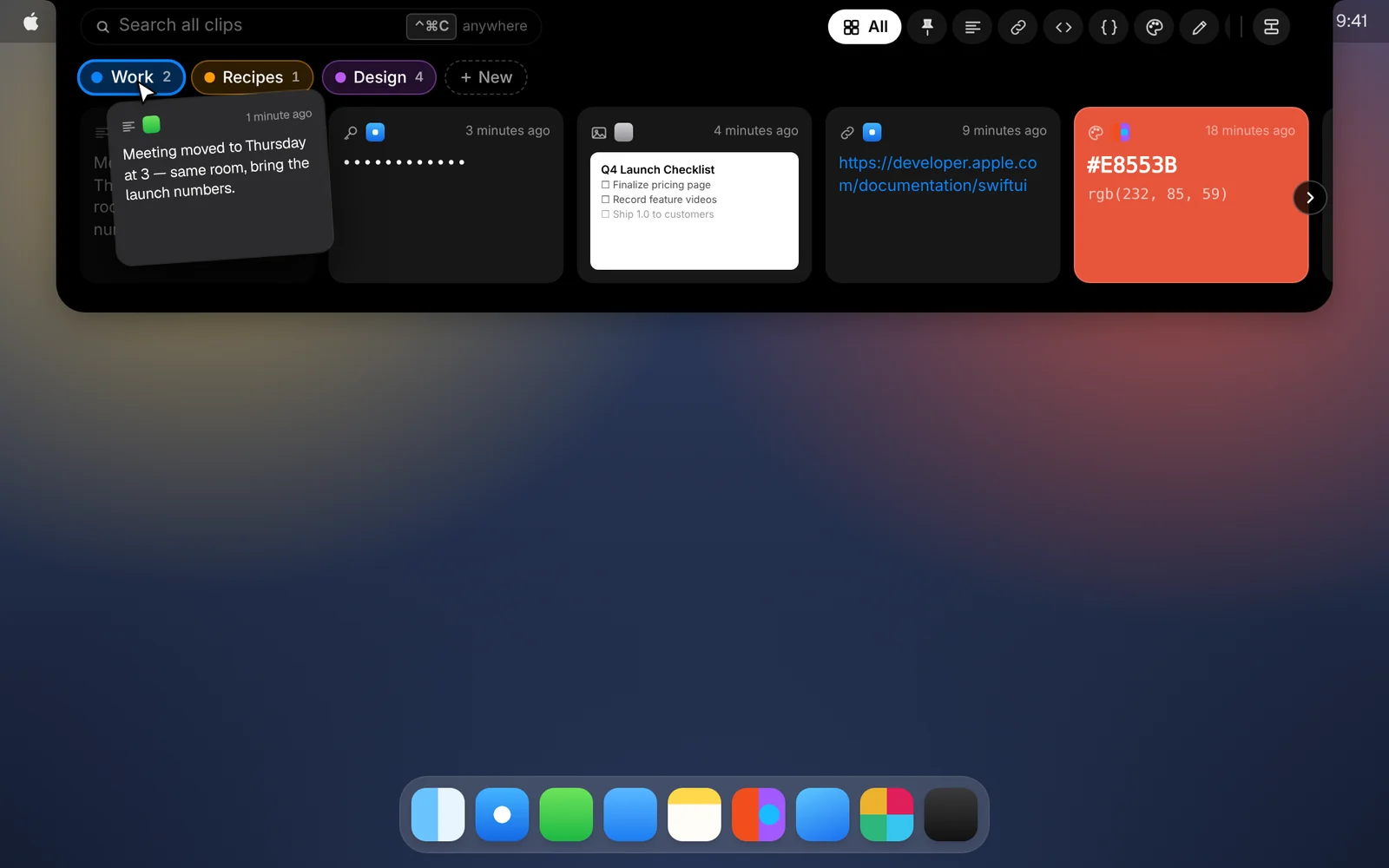
Move your pointer to the notch and everything you’ve copied drops down, right where you’re already looking.
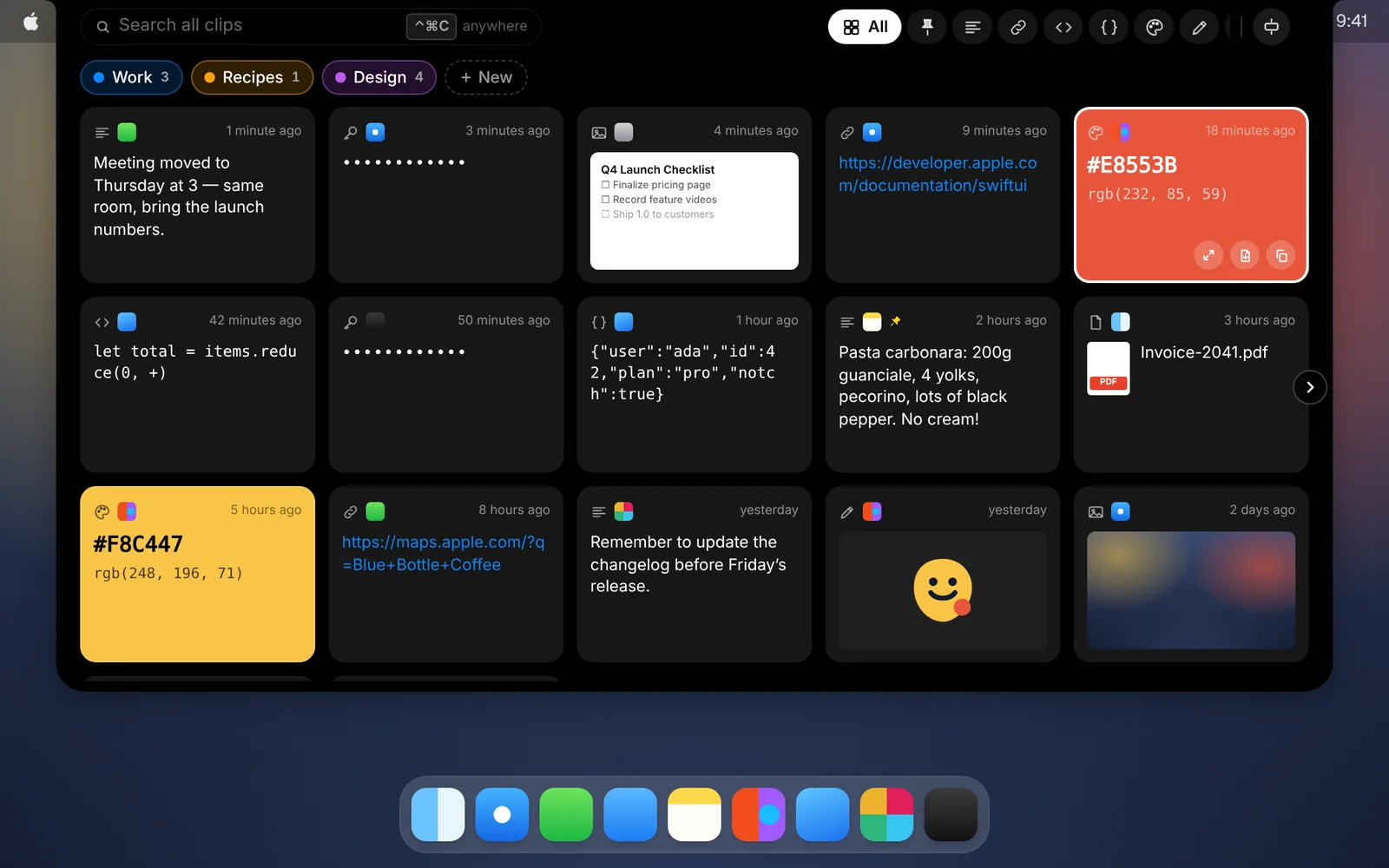
Text, links, code, images, files, colors and vector graphics, each saved in full and shown the way it should look.
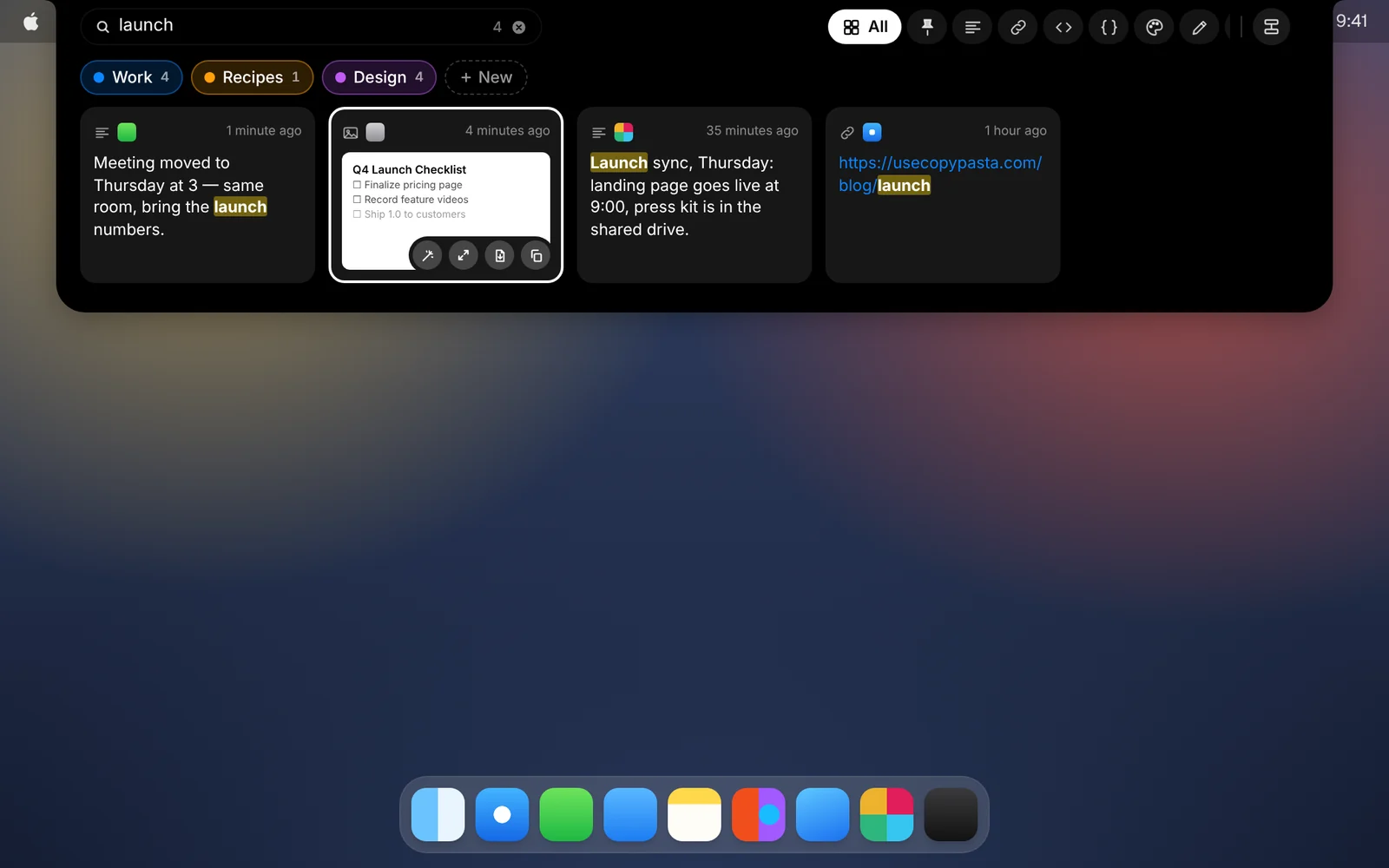
Open CopyPasta and start typing. Search covers your whole history, including the text inside screenshots.
⌃⌘1 to ⌃⌘0 paste one of your ten most recent clips straight into the app you’re using.
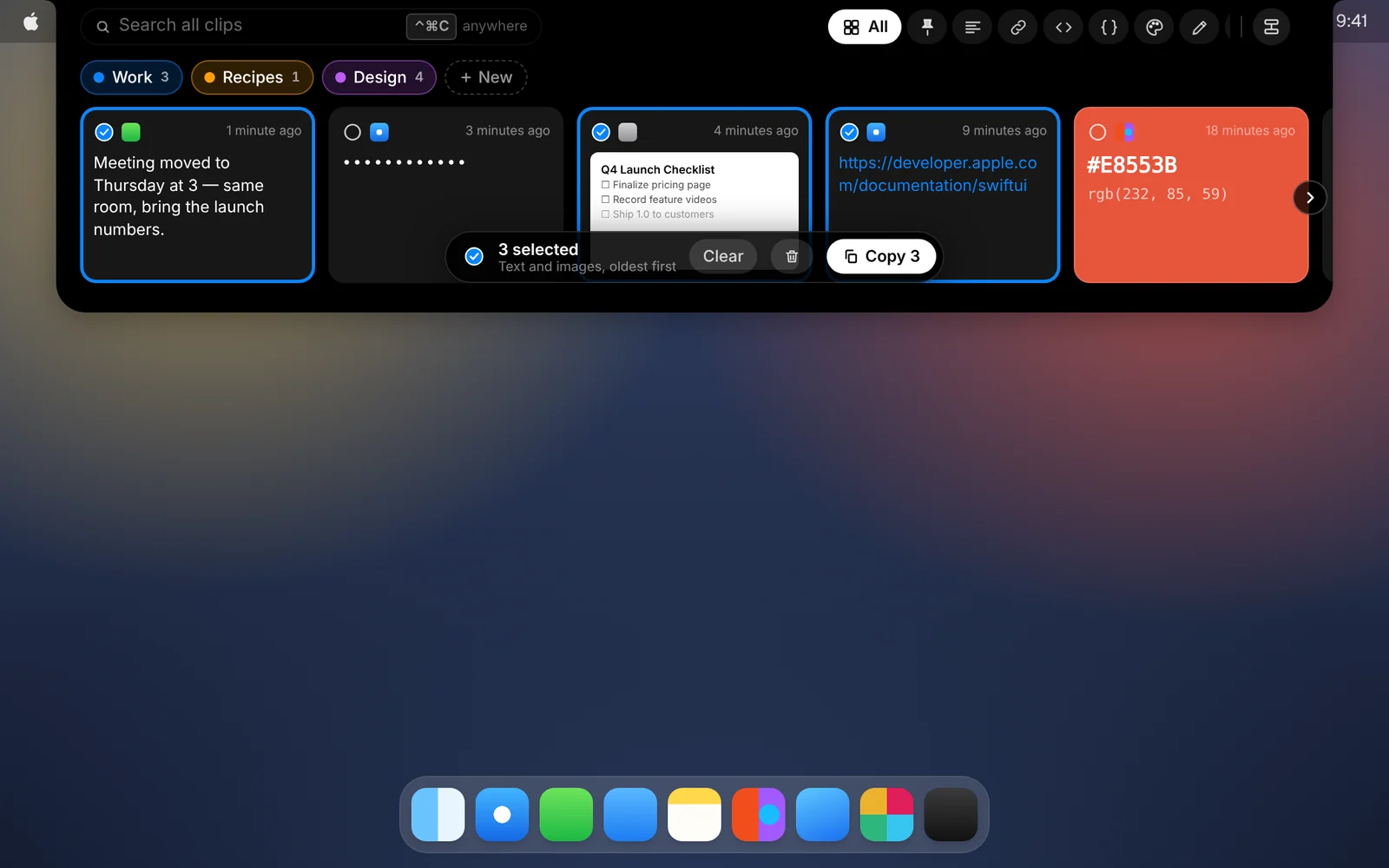
Select several cards, say a quote, a link and a screenshot, and paste them together in the order you copied them.
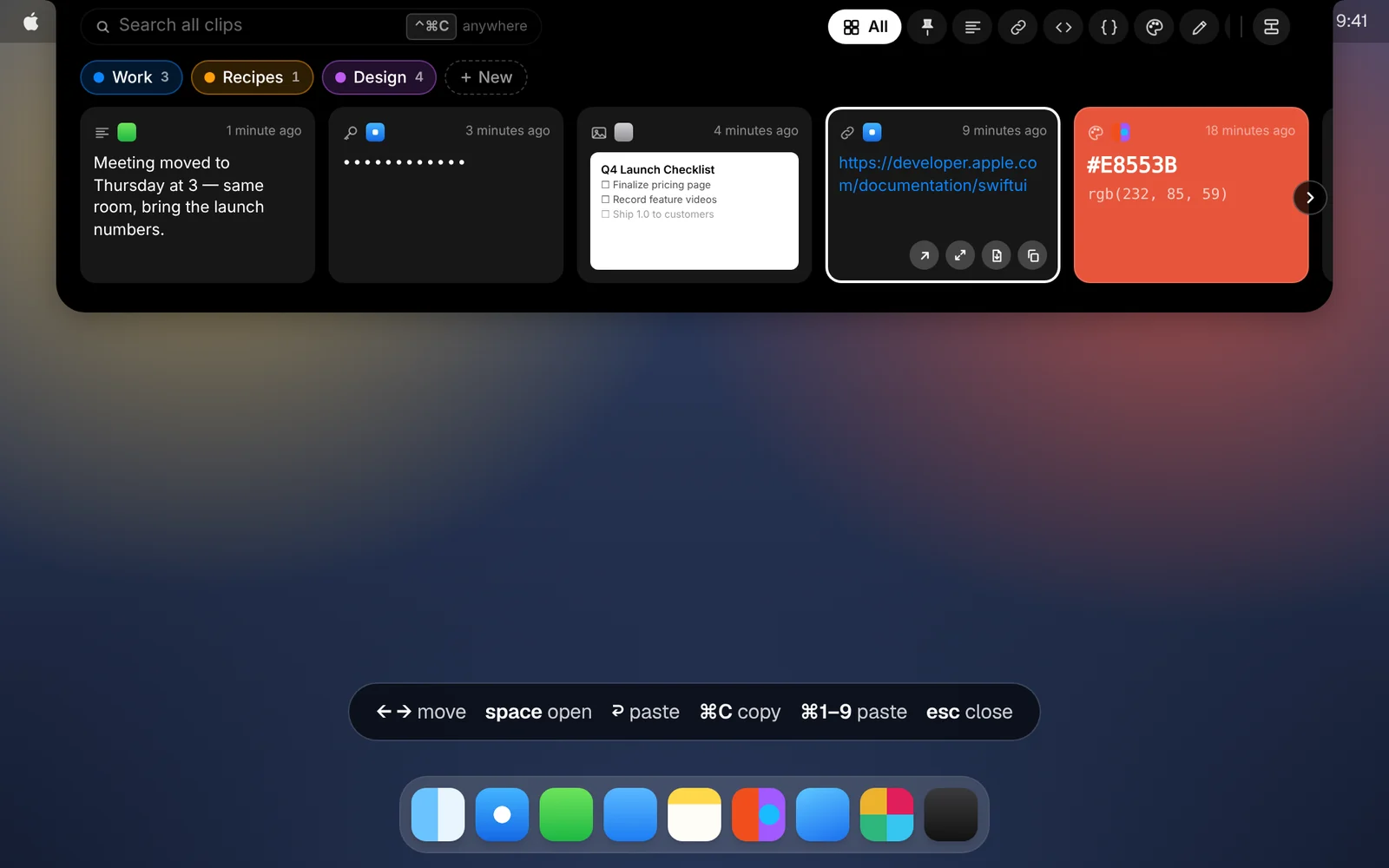
Every shortcut you need to open, search, pick and paste clips while your hands stay on the keyboard.
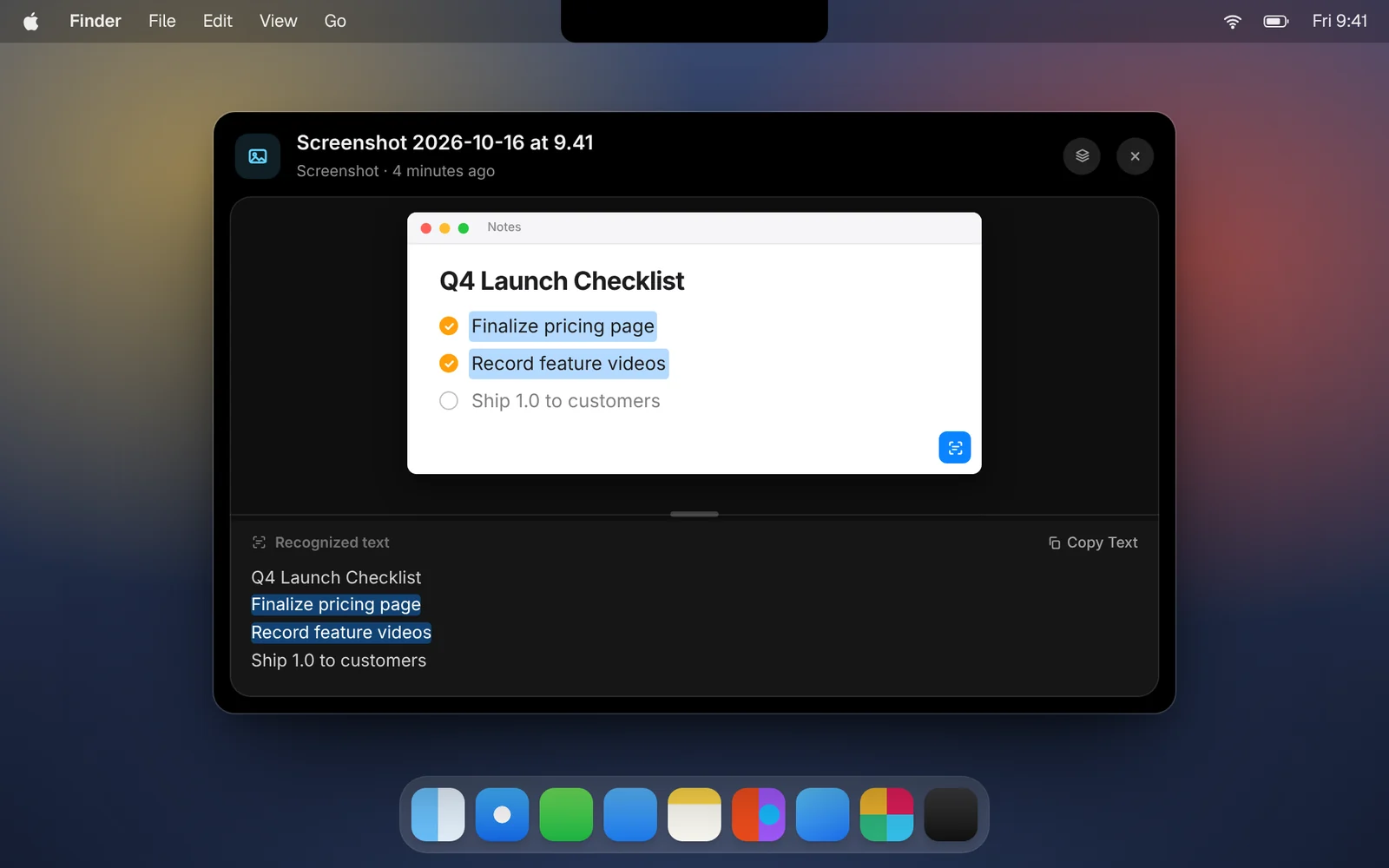
CopyPasta reads the text in your screenshots on your Mac, so you can select it, copy it and search for it.
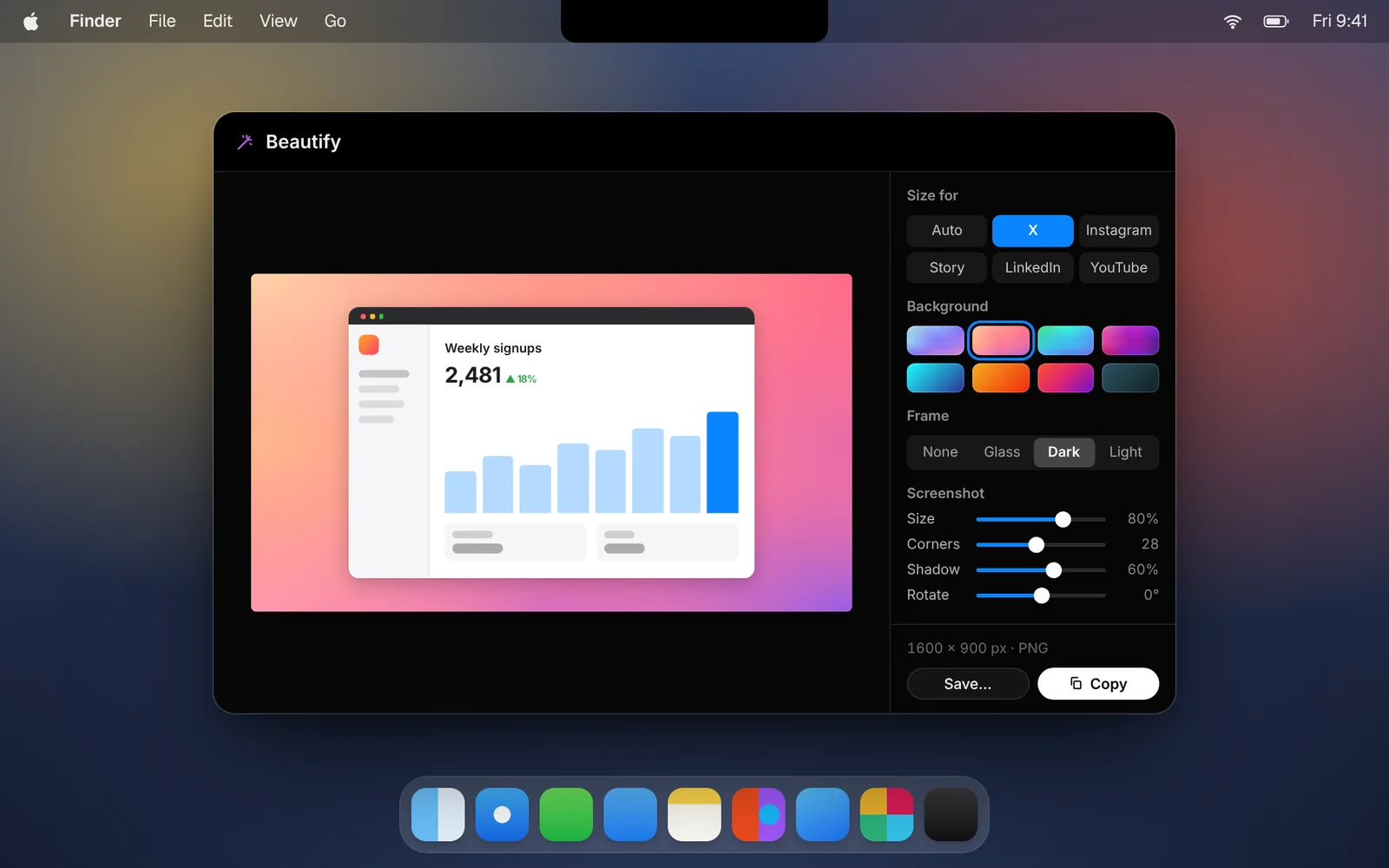
Put any screenshot on a background, sized for X, Instagram, LinkedIn and more, then copy it and paste it anywhere.
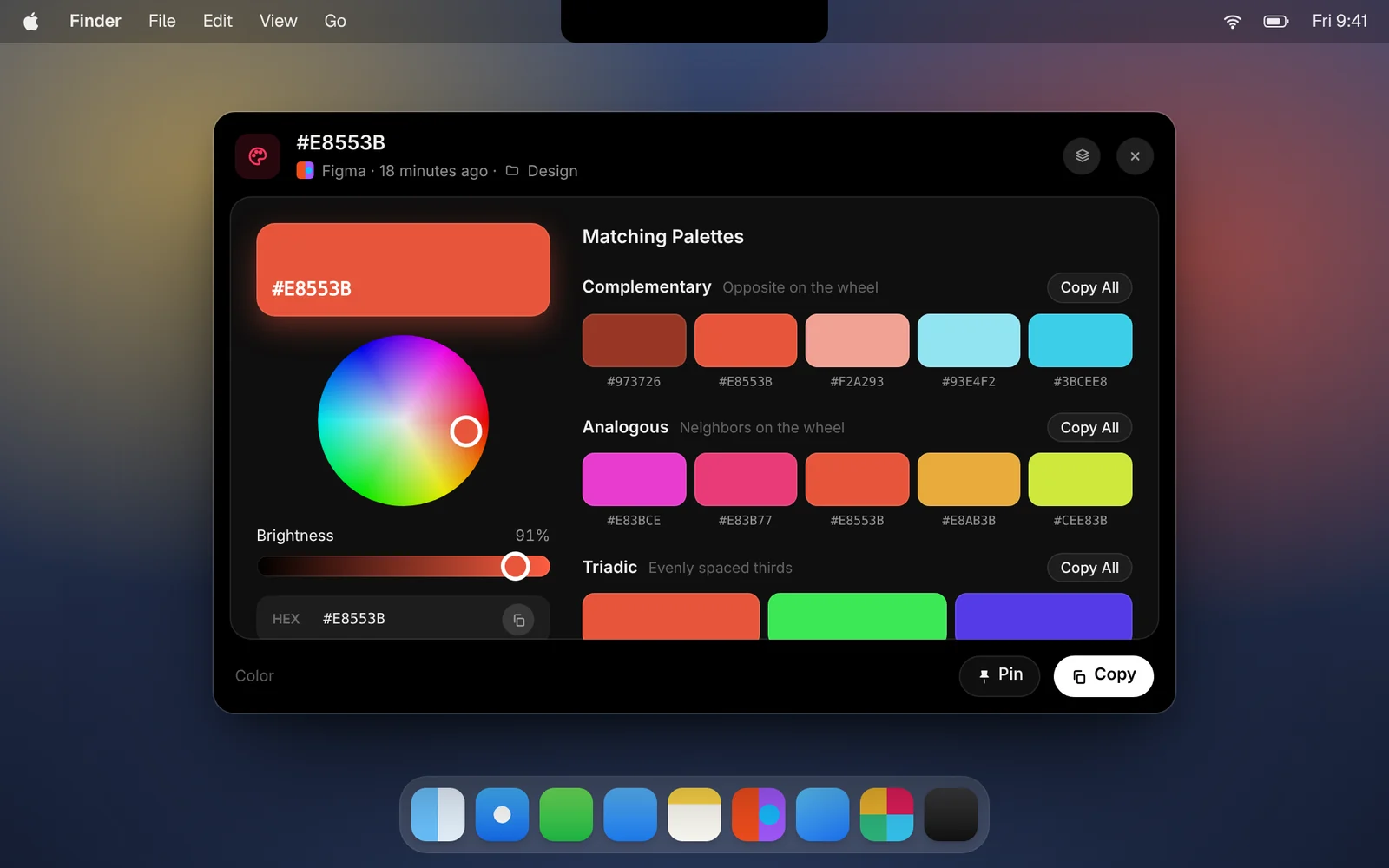
Hex, RGB and HSL values show up as color cards. Open one to fine-tune it and browse palettes that go with it.
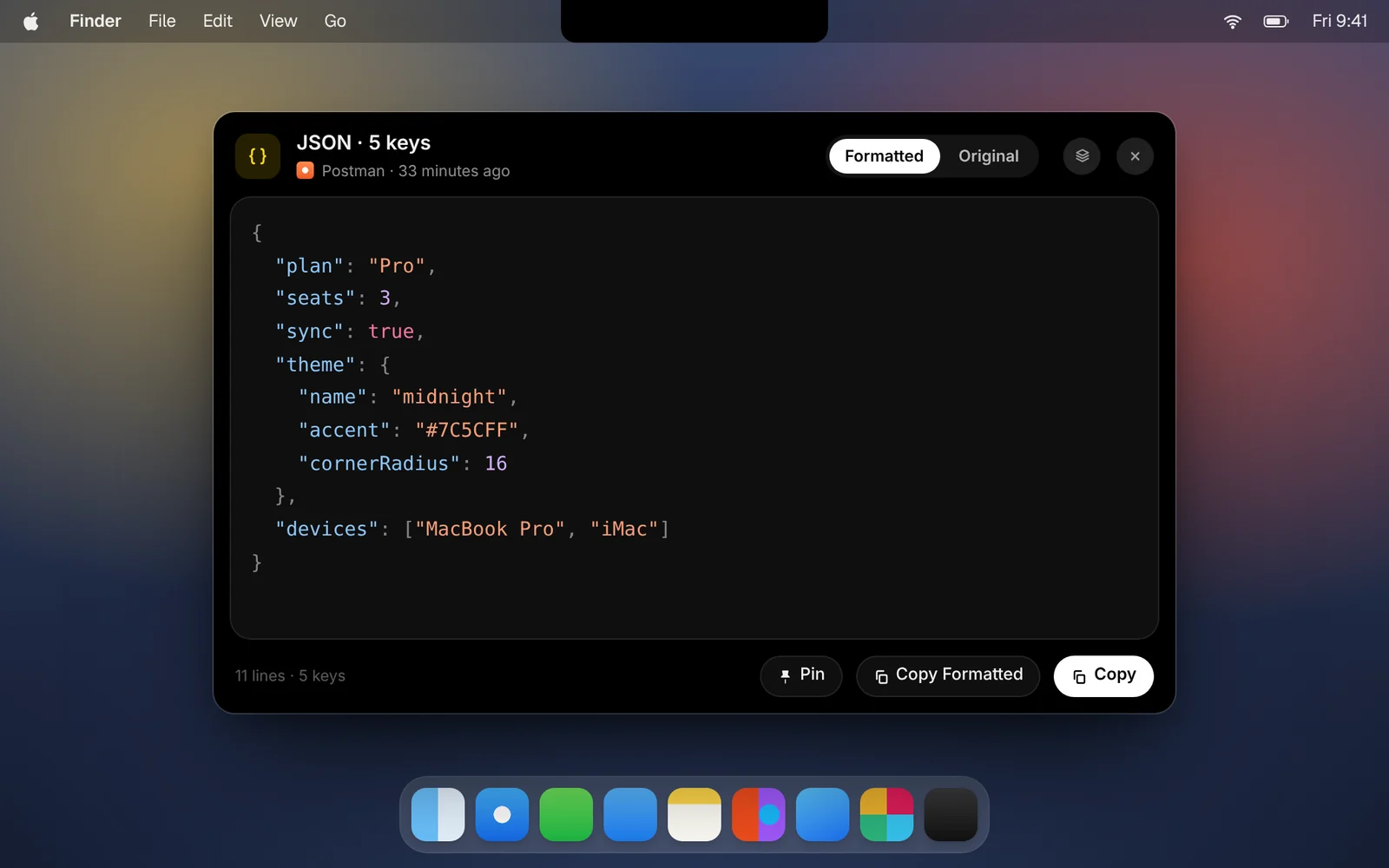
Copy JSON and CopyPasta shows it indented and colored, ready to read or to copy back formatted.
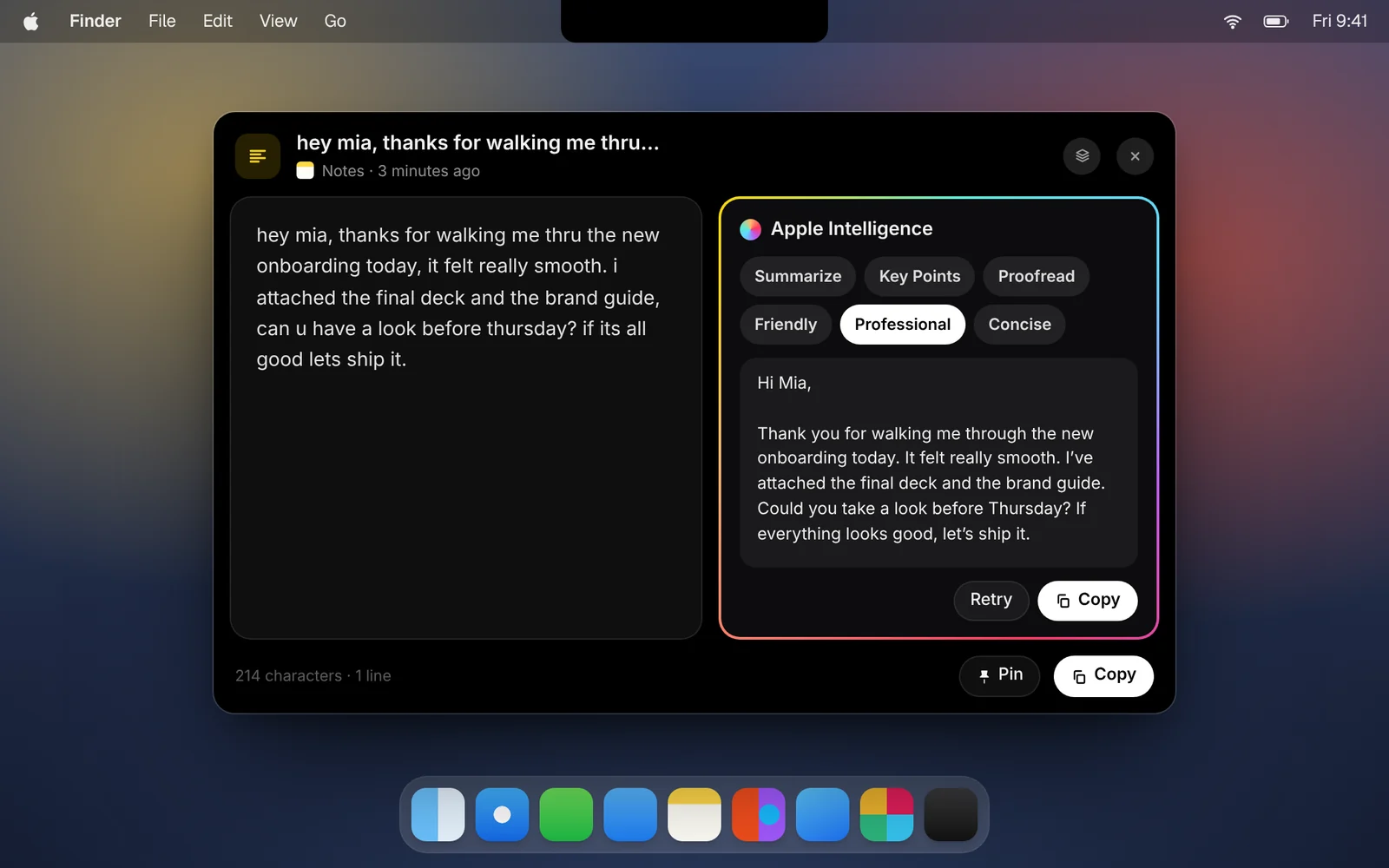
Summarize, proofread or rewrite any text clip, or ask a question about it, right in CopyPasta and on your Mac.
File clips in your own categories and pin the ones you paste every day. They’re never cleared with old history.
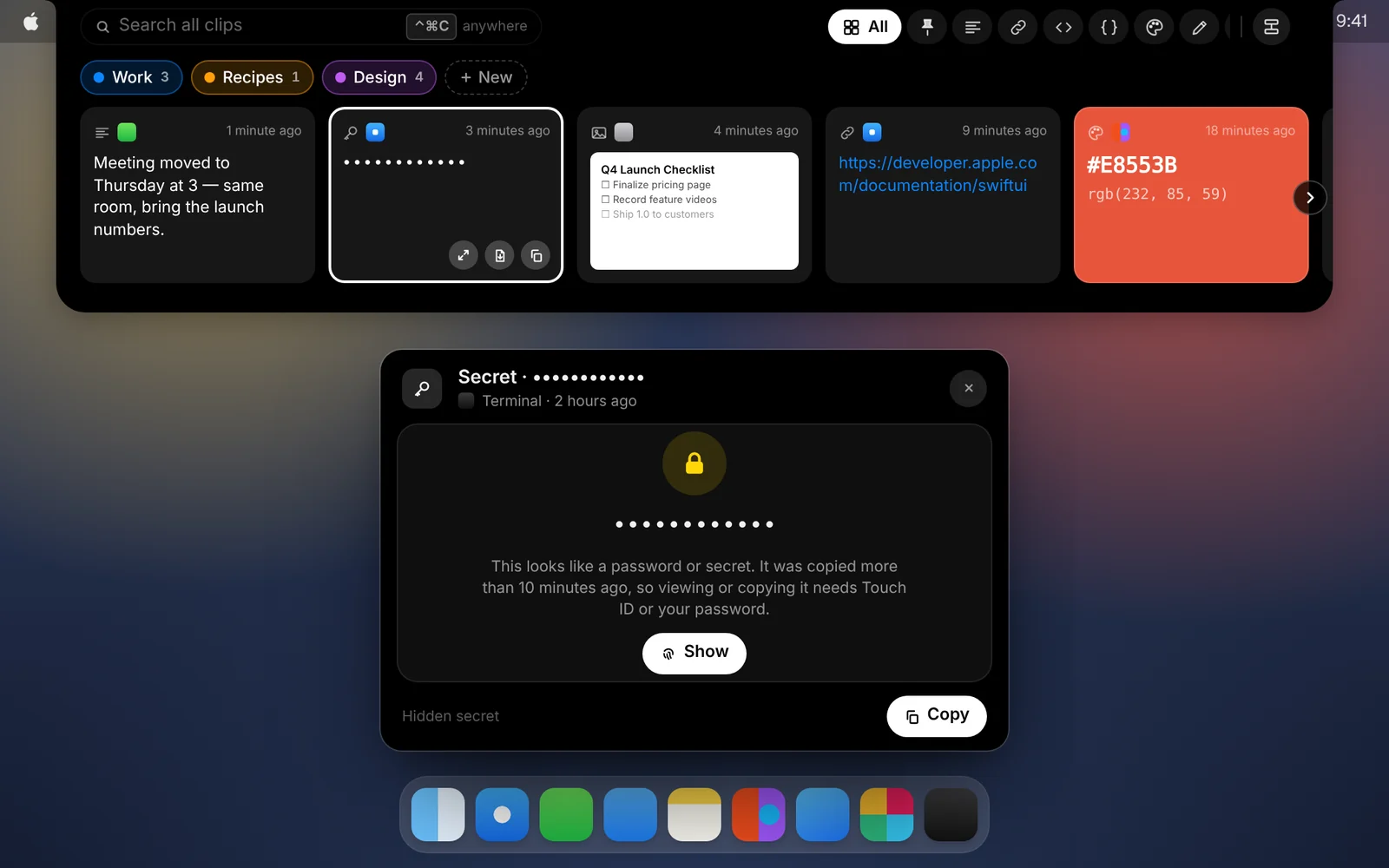
CopyPasta spots passwords, API keys and tokens as you copy them, and hides them until you ask to see them.
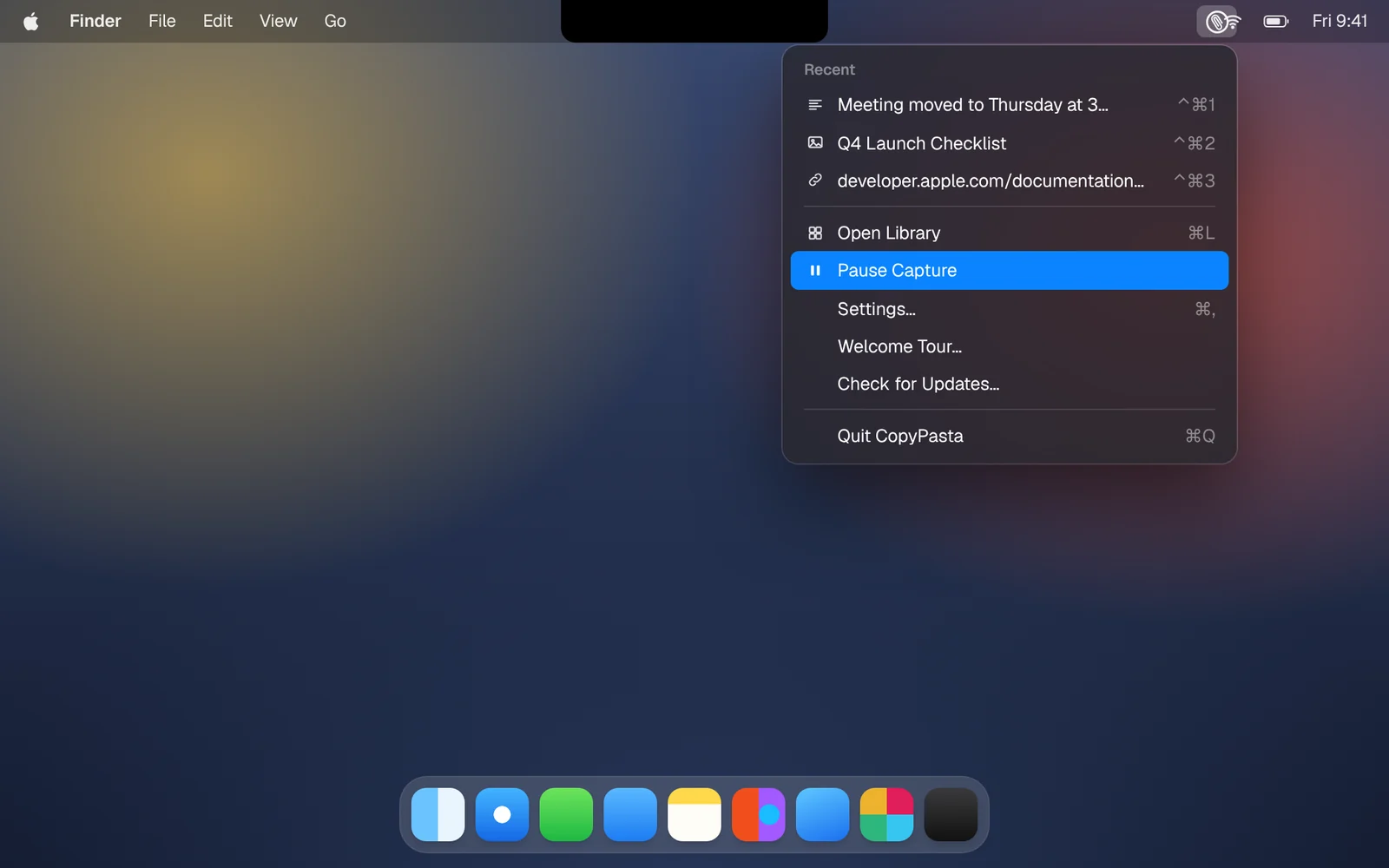
Pause capture, ignore certain apps, choose how much to keep, and sync between your Macs with your history encrypted all the way.
The private clipboard manager that lives in your notch. Free for 7 days.
CopyPasta is a Mac app. Email yourself the link, then open it on your Mac to start your free 7-day trial.
Email me the linkOpens your email app with the link ready to send to yourself.
Already on your Mac? Download now