Paste Stack: copy several things, then paste them one by one
Press ⇧⌘C and copy what you need. Each ⌘V then pastes the next clip, in order, so filling in a form takes one trip.
Amas
· 2 min read
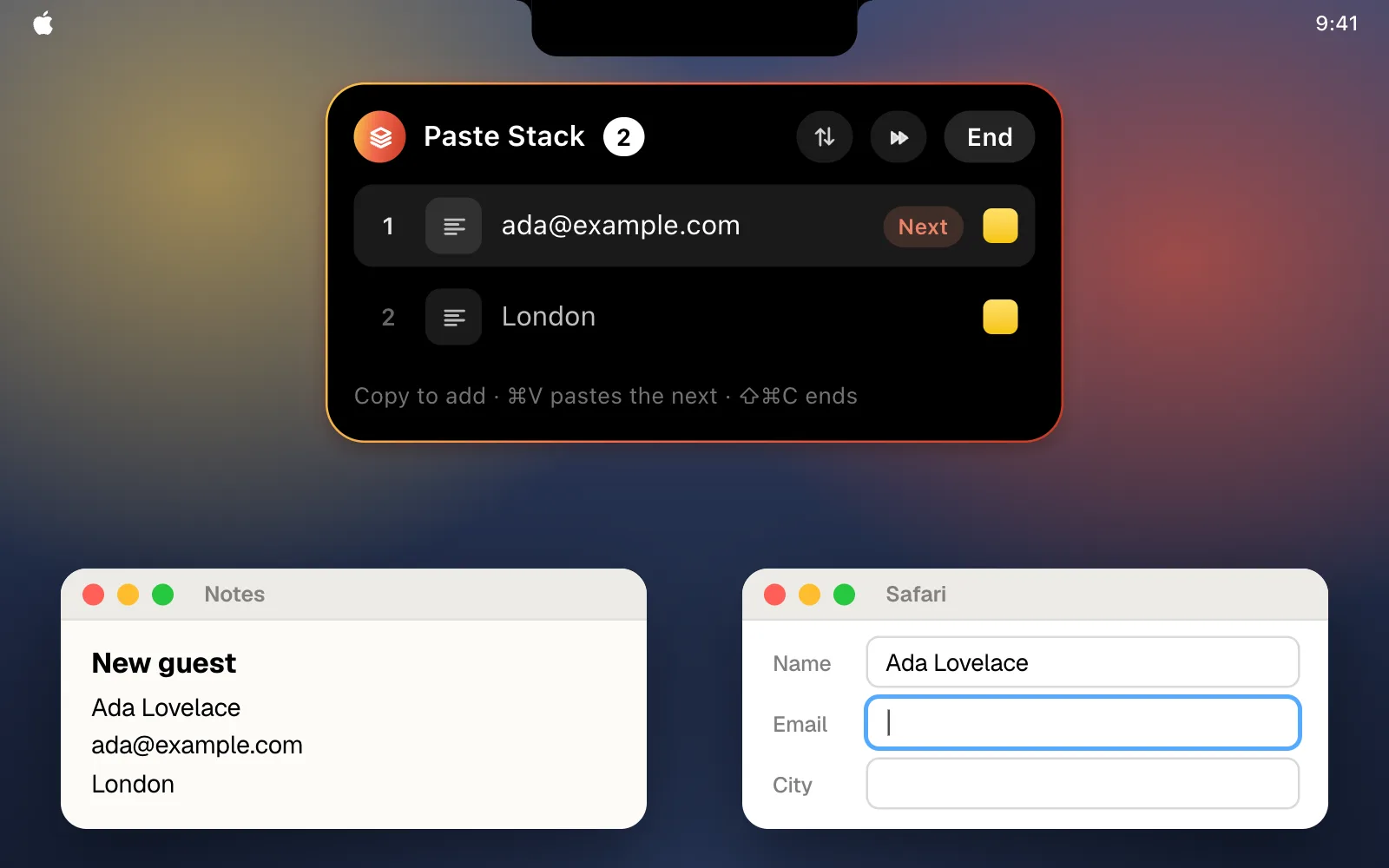
Filling in a sign-up form, an invoice or a shipping address usually means going back and forth: copy a name, switch apps, paste it, switch back, copy the email. With Paste Stack you copy everything first, then paste it field by field without leaving the form.
How it works
- Press ⇧⌘C. A small Paste Stack pill appears under the notch.
- Copy what you need, in the order you’ll paste it. Each copy joins the stack.
- Go to the form and press ⌘V. The first clip is pasted, and the next one is ready for your next ⌘V.
Once the last clip is pasted, the stack ends by itself. To end it sooner, press ⇧⌘C again or click End.
Other ways to start one
- From the menu bar. Click the CopyPasta icon and choose Start Paste Stack.
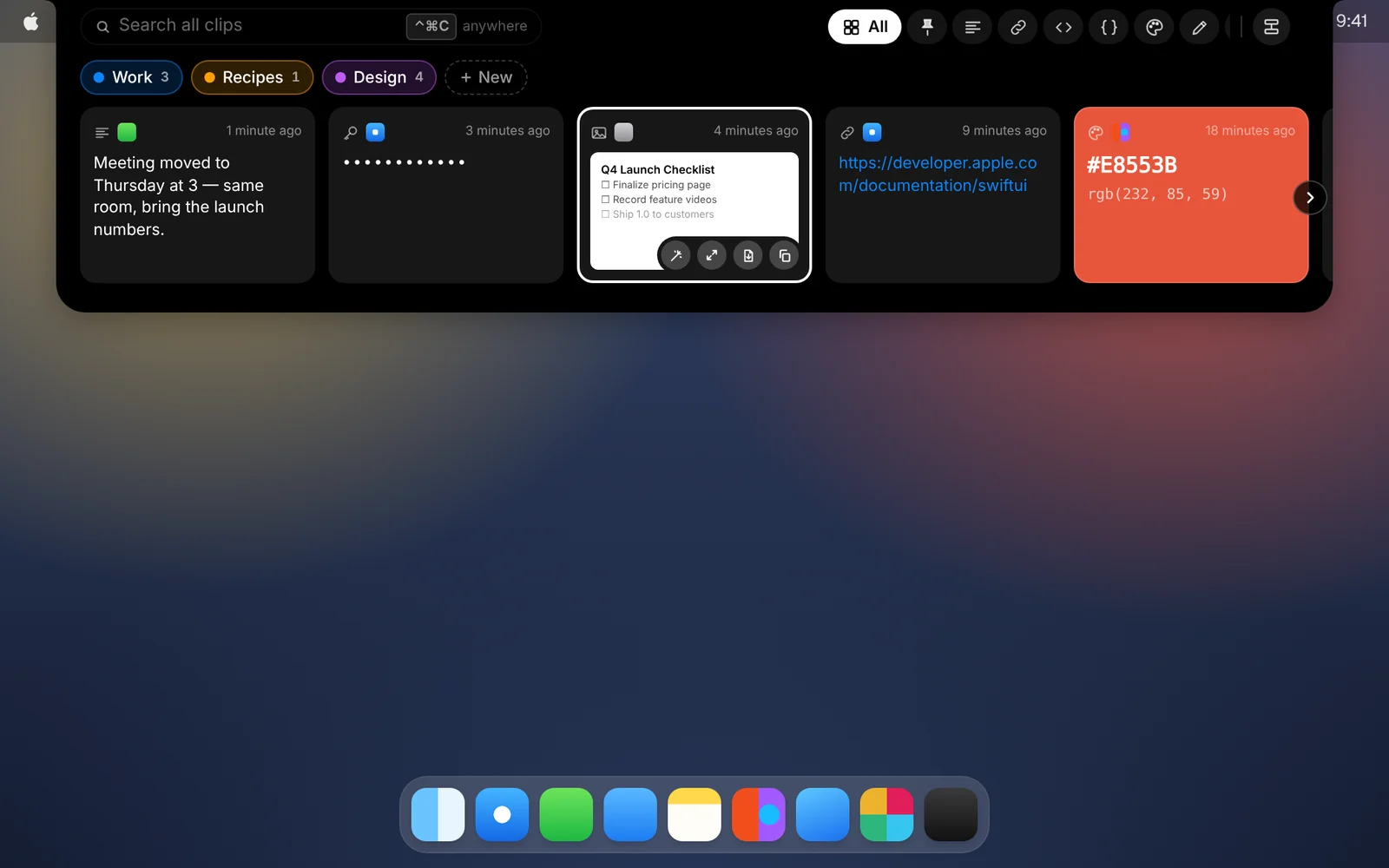
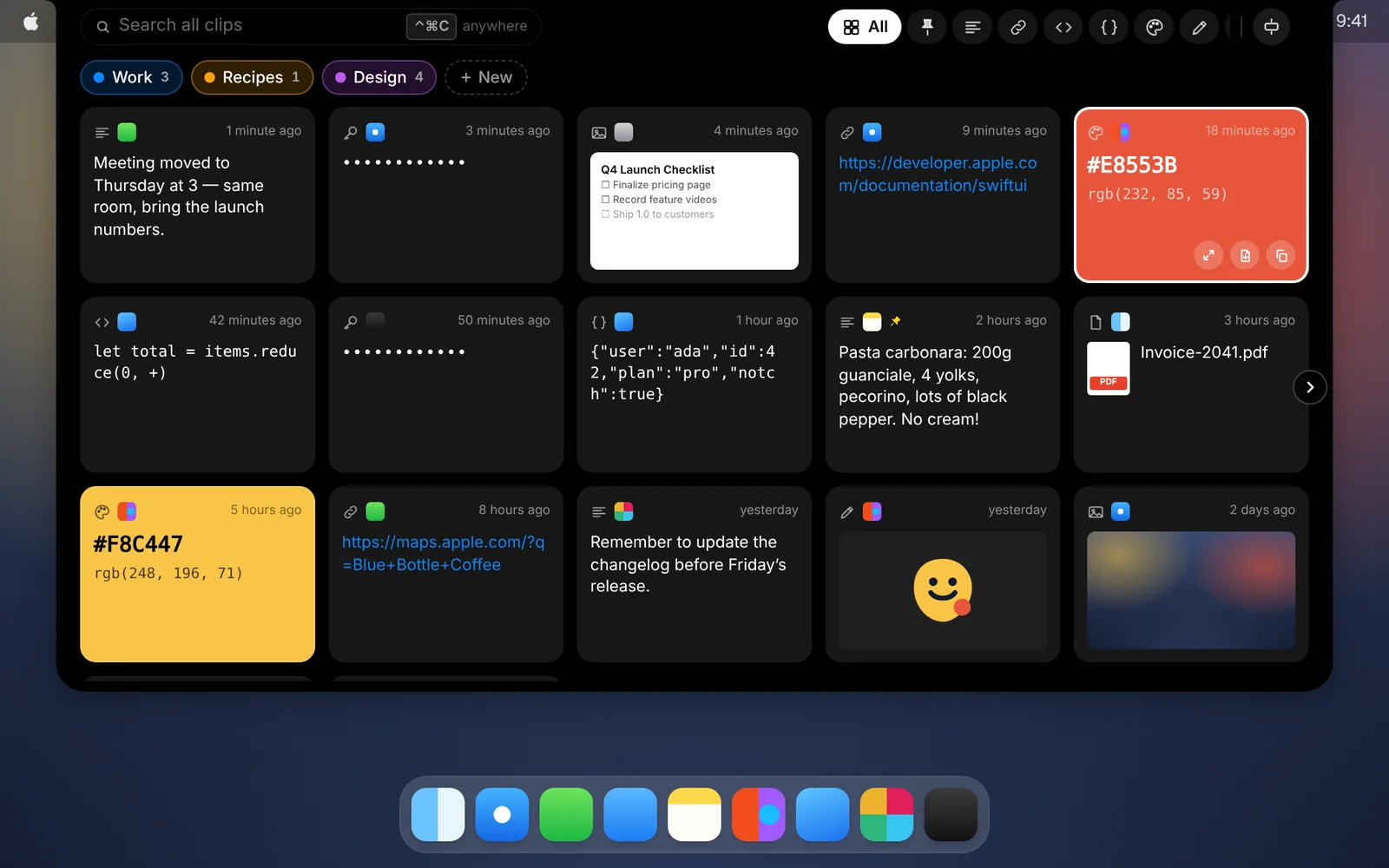
- From clips you copied earlier. Select cards in the shelf and click Stack, or right-click a card and choose Add to Paste Stack. They’re pasted oldest first.
Good to know
- See what’s next. The pill shows the clip the next ⌘V pastes. Hover it to see the whole stack.
- Change the order. The arrows button pastes the last clip first instead. The skip button drops the next clip, and you can take any clip out of the list.
- Works in any app. Clips paste with their formatting, and Paste and Match Style works too. Move the pill out of the way by dragging it.
- Needs Accessibility access. CopyPasta uses it to notice each ⌘V, the same access it already uses to paste for you.
Download CopyPasta and try every feature free for 7 days. No account, no credit card.