Everything you copy, exactly as you copied it
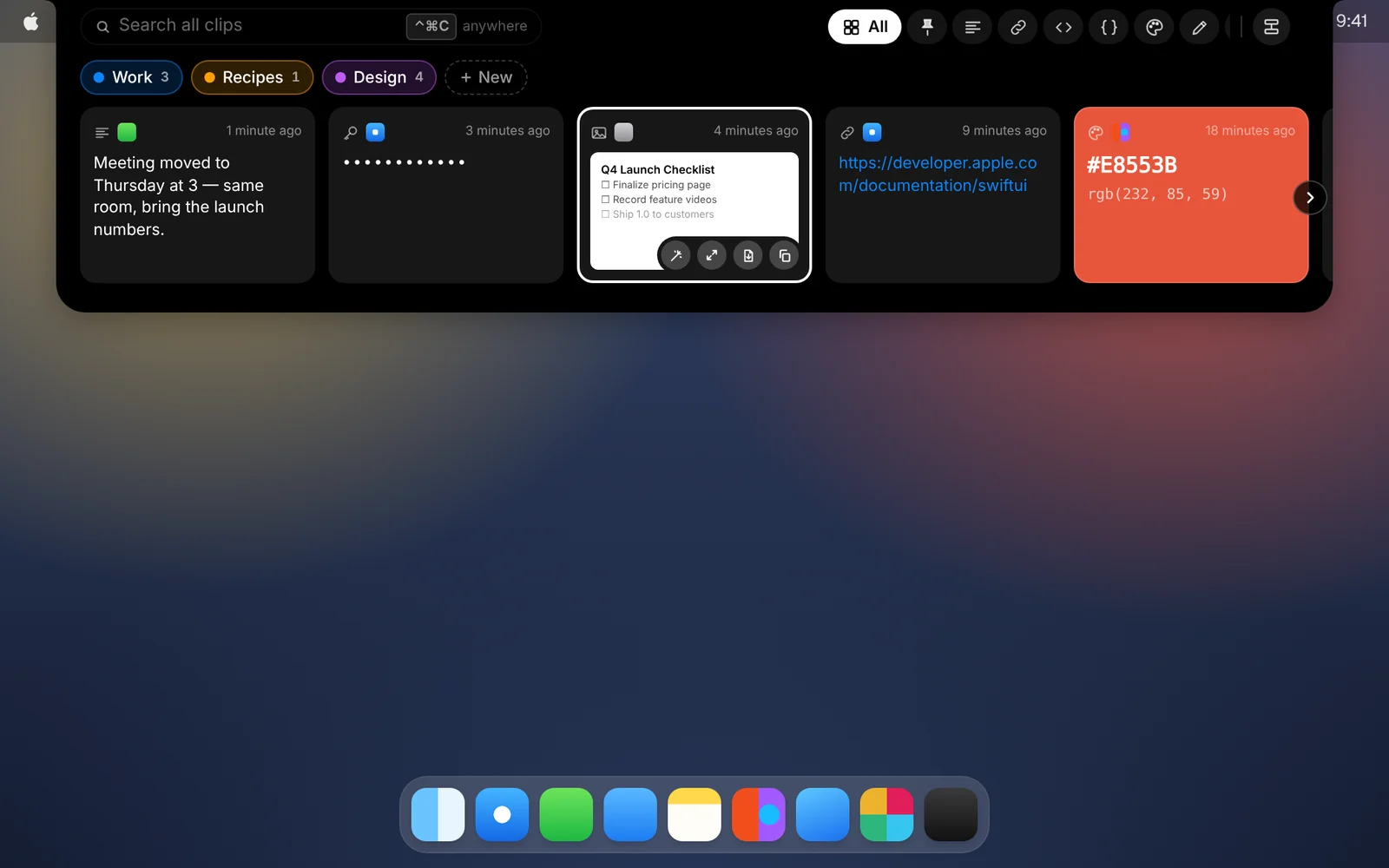
Text, links, code, images, files, colors and vector graphics, each saved in full and shown the way it should look.
Amas
· 1 min read
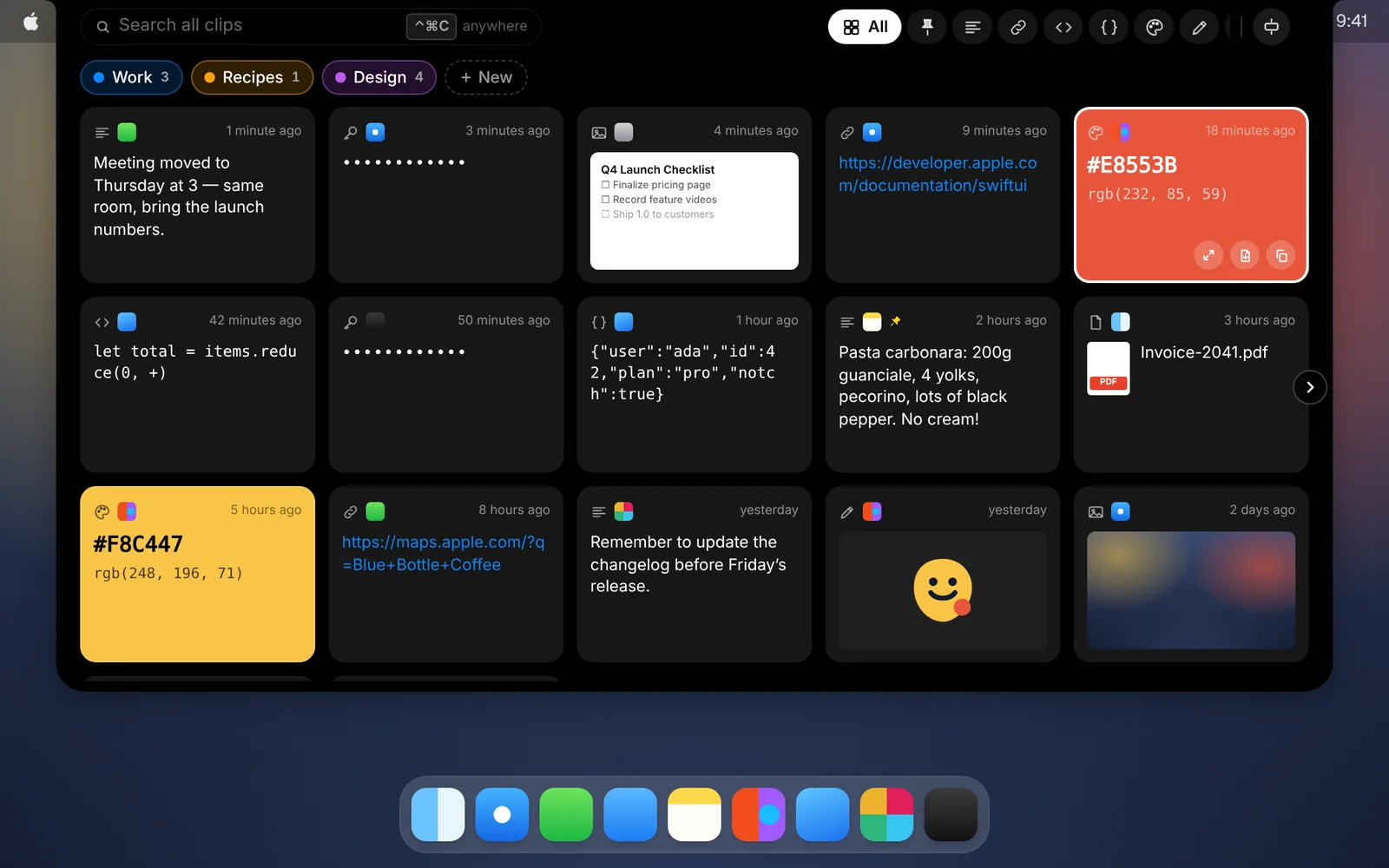
Your Mac’s clipboard holds one thing at a time. Copy something new and the last thing is gone. CopyPasta quietly keeps all of it, and keeps it the way you copied it.
What gets saved
- Text and links, with links you can open straight in your browser.
- Code and JSON, shown in a monospaced font, with JSON ready to format.
- Colors. Copy a hex, RGB or HSL value and the card is filled with that color.
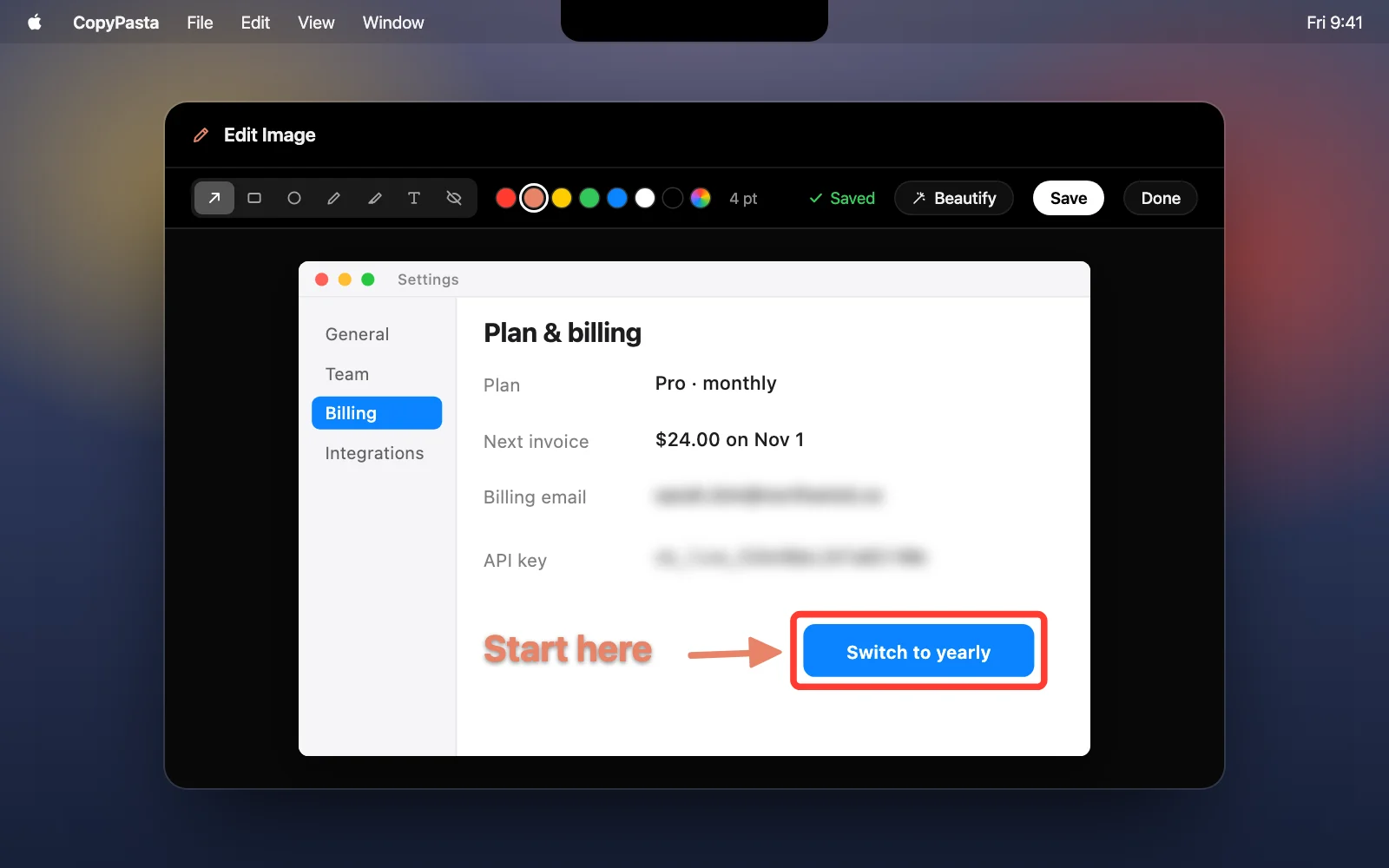
- Images and screenshots, including the text inside them.
- Files copied in Finder, one click from showing them again.
- Vector graphics from apps like Affinity, Illustrator, Photoshop, Sketch and Figma. Every original format is kept, so they paste back as editable vectors, not flattened pixels.
Good to know
- No duplicates. Copy something that’s already in your history and it simply moves back to the top.
- Screenshots too. Screenshots you take with ⌘⇧3, ⌘⇧4 or ⌘⇧5 are added automatically, even when they’re saved to a file instead of copied.
- Drag clips out. Drag any card into another app to drop it there.
- Keep as much as you want. Choose to keep 100, 500, 1,000, 5,000 or 10,000 clips, or keep everything forever. Pinned clips and clips in your categories are always kept.
Download CopyPasta and try every feature free for 7 days. No account, no credit card.