Paste your last ten clips without opening anything
⌃⌘1 to ⌃⌘0 paste one of your ten most recent clips straight into the app you’re using.
Amas
· 1 min read
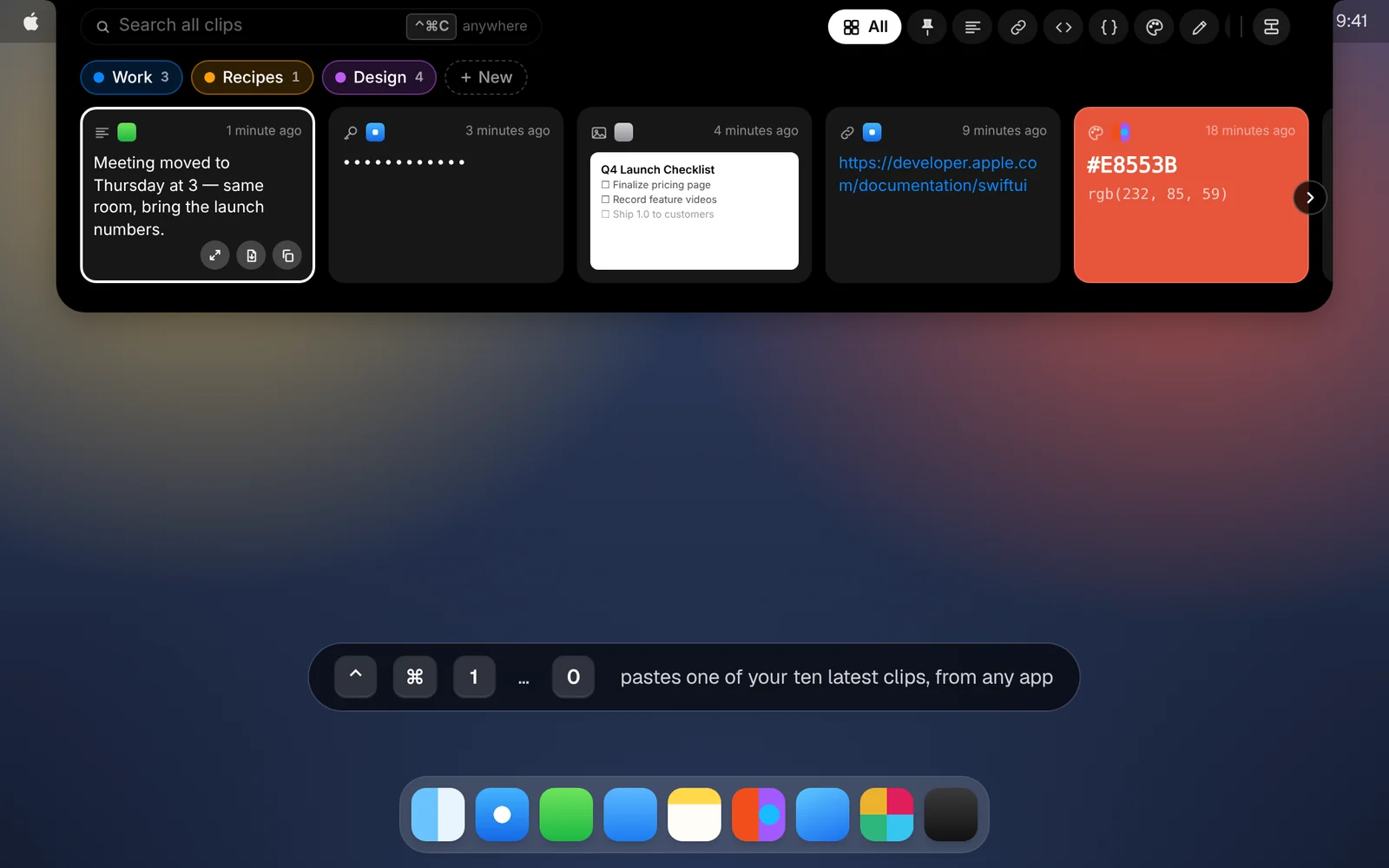
Sometimes you know exactly what you want: the thing you copied two copies ago. You don’t need to open CopyPasta for that.
How it works
- Press ⌃⌘1 to paste your most recent clip, ⌃⌘2 for the one before it, and so on up to ⌃⌘9.
- Press ⌃⌘0 for the tenth.
It works from any app, and the clip is pasted right where your cursor is.
Good to know
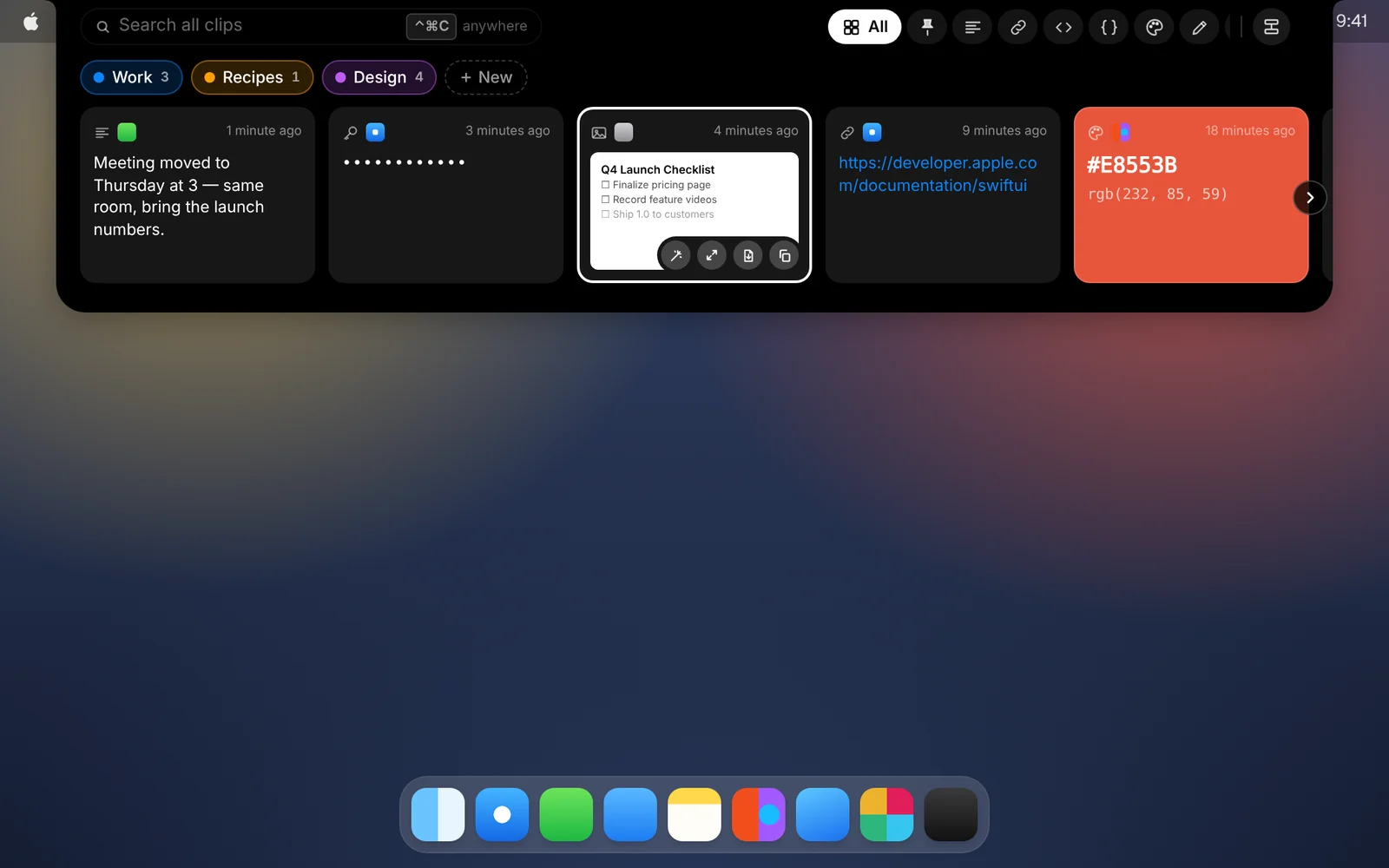
- Not sure which number? Click the CopyPasta icon in the menu bar. The Recent section lists your latest clips with their shortcuts.
- With the shelf open, ⌘1 to ⌘9 paste the first nine cards you see, including search results.
- Pasting for you needs Accessibility access, which CopyPasta asks for during setup. Without it, the clip is copied and you press ⌘V yourself. You can change this in Settings under Pasting.
Download CopyPasta and try every feature free for 7 days. No account, no credit card.