Passwords you copy stay hidden
CopyPasta spots passwords, API keys and tokens as you copy them, and hides them until you ask to see them.
Amas
· 1 min read
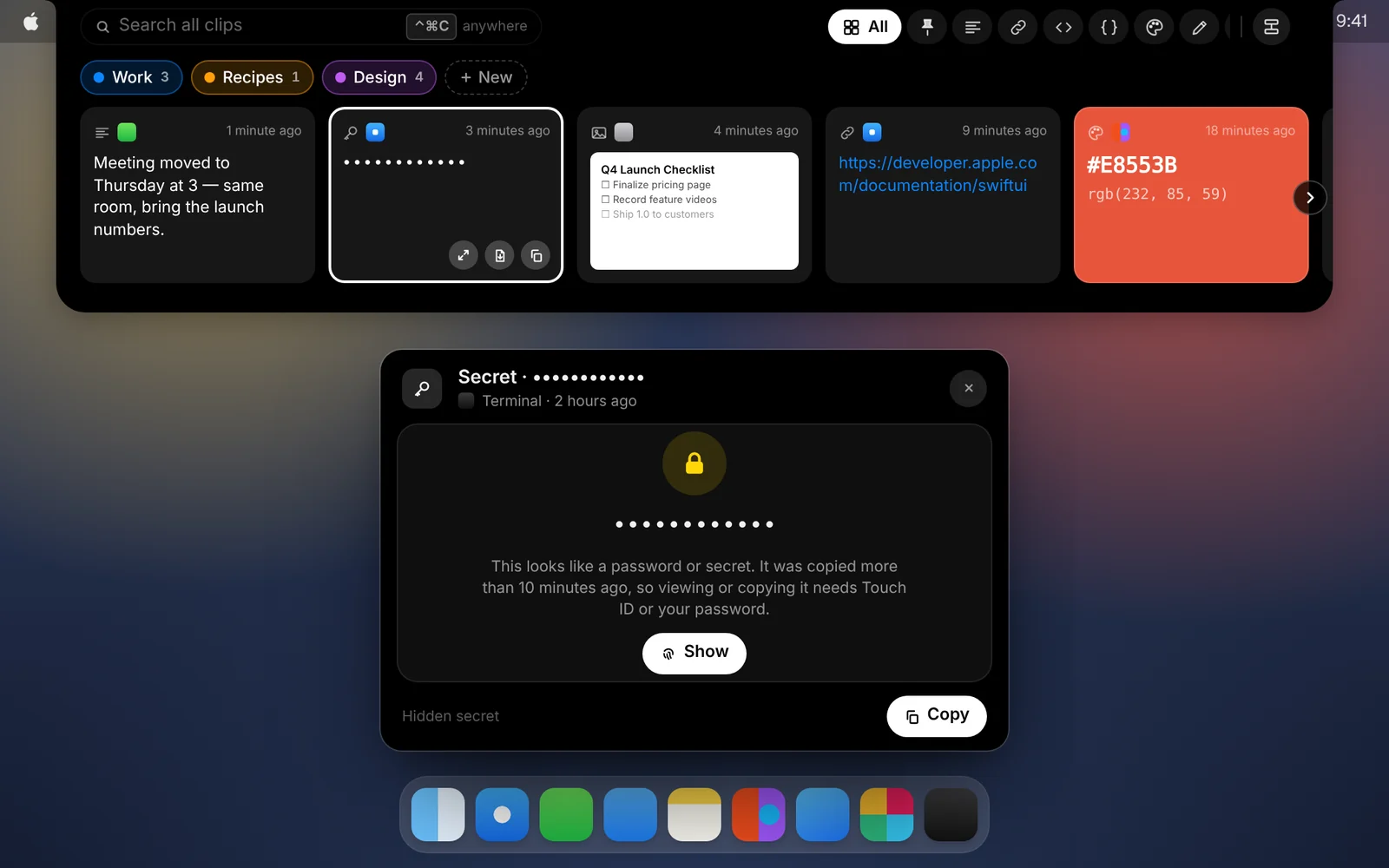
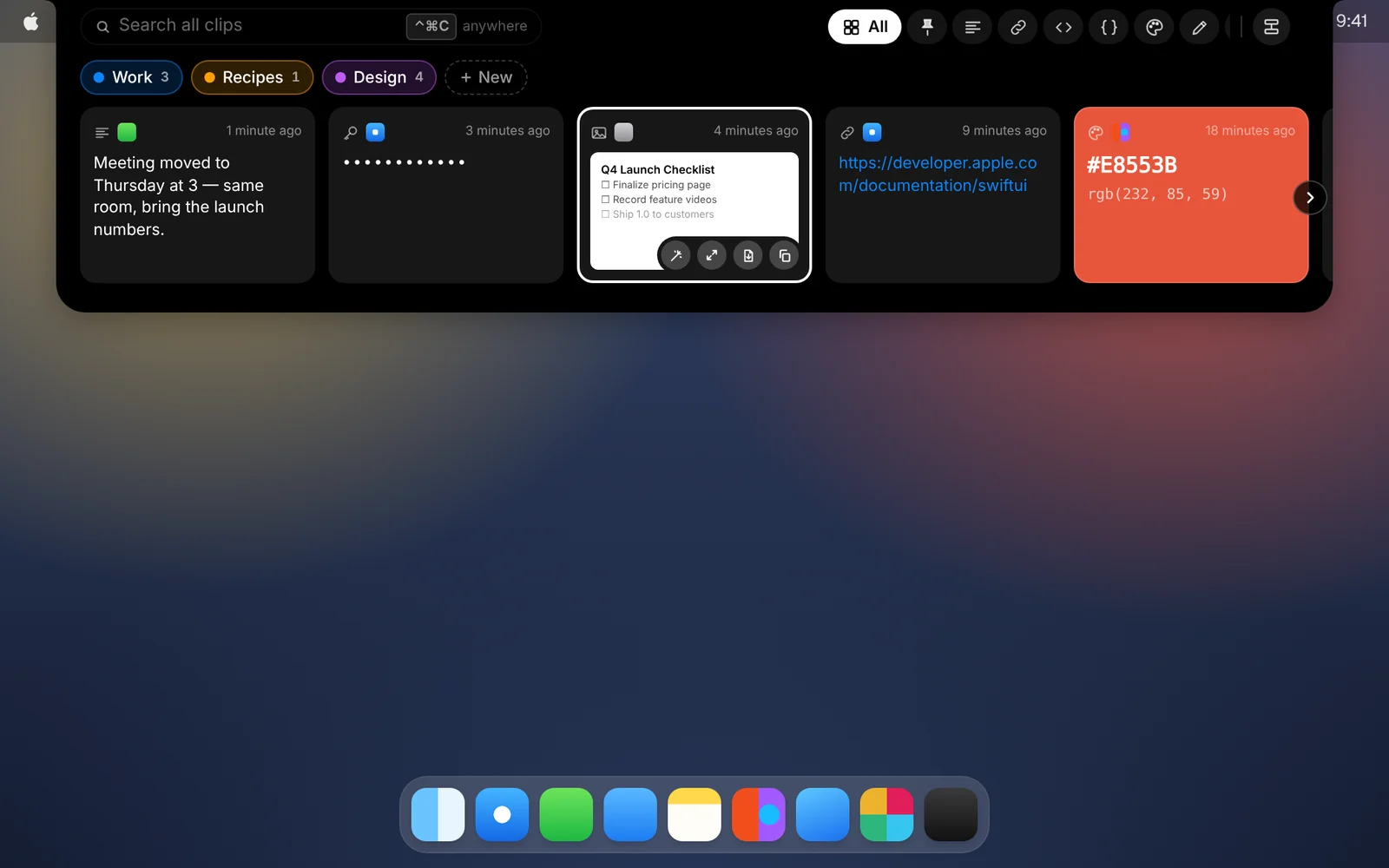
A clipboard history sees everything, including passwords and API keys. CopyPasta recognizes them and keeps them out of sight.
How it works
- Copy a password, a
.envline or an API key. CopyPasta saves it, but hides it behind dots. - For 10 minutes after copying, one click shows it, since you just had it.
- After that, showing, copying or pasting it needs Touch ID or your Mac password.
What it recognizes
- Typical passwords, and short
password=…or.envstyle snippets. - Keys and tokens from AWS, GitHub, Slack, Stripe, OpenAI, Google, npm and more, plus JSON Web Tokens and other long random strings.
Links, file paths, email addresses, numbers and colors aren’t treated as secrets.
Good to know
- Password managers are skipped entirely. Passwords and codes that apps like 1Password, Bitwarden or Passwords mark as private are never saved at all.
- Hidden from search. Secrets are left out of search, so typing a guess can’t confirm one.
- Private when pasted. When you paste a secret, CopyPasta marks it as private again, so other clipboard apps don’t record it.
- You decide. Open any text clip and choose Mark as Secret to hide it, or open a hidden one and choose Not a Secret.
Download CopyPasta and try every feature free for 7 days. No account, no credit card.