Keep the clips you reuse, forever
File clips in your own categories and pin the ones you paste every day. They’re never cleared with old history.
Amas
· 1 min read
Most clips are useful for a few minutes. Some you need again and again: your address, a standard reply, a snippet of code. Categories and pins keep those within reach, for good.
Categories
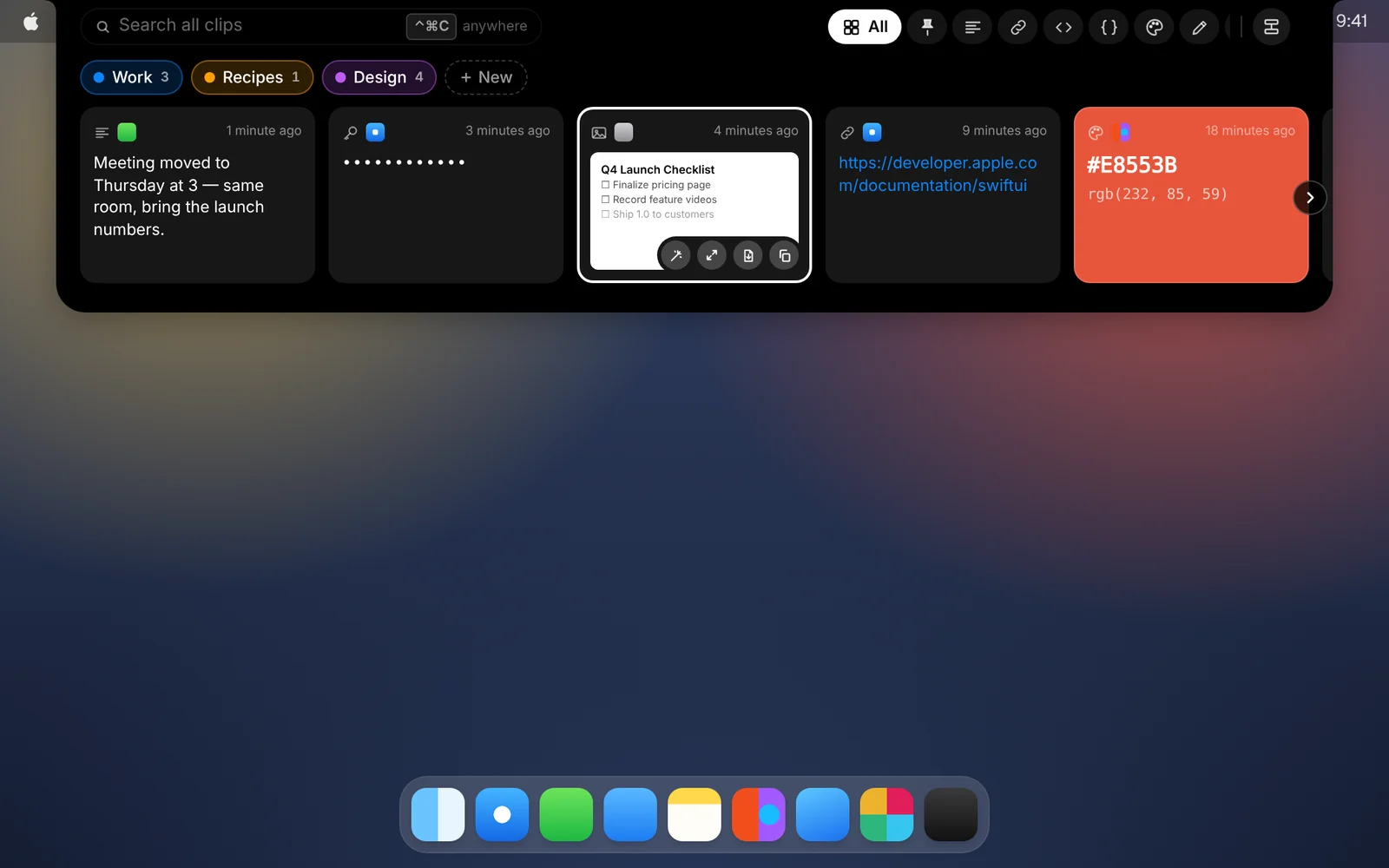
- Open CopyPasta and click New next to your categories. Give it a name.
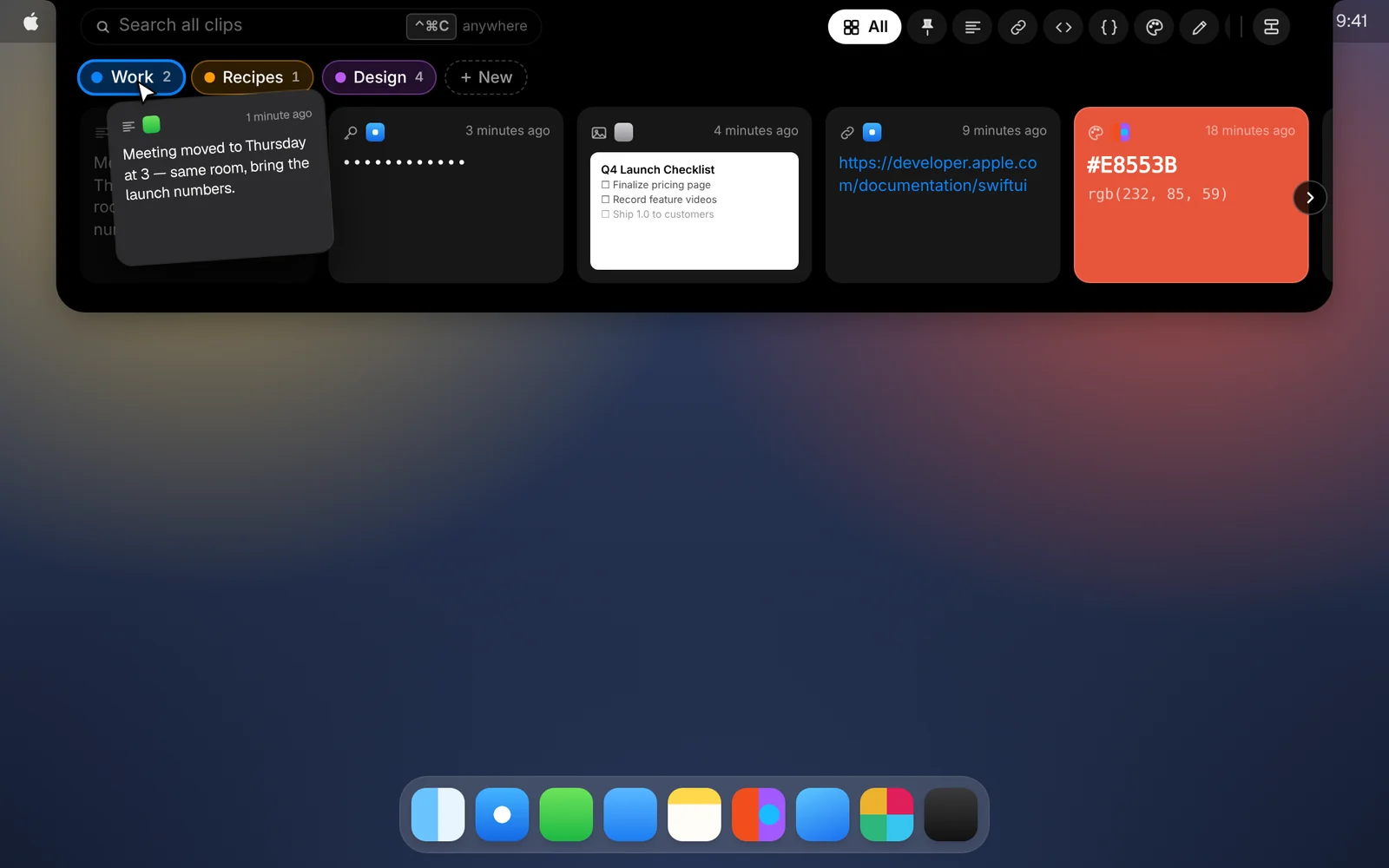
- Drag a card onto the category to file it, or right-click the card and choose Move to Category. Select several cards first to file them all at once.
- Click a category to see only its clips. Click it again to see everything.
Pins
- Right-click a card and choose Pin (Keep Forever), or click Pin in its window.
- Pinned clips get their own tab next to the notch.
Good to know
- Kept forever. Clips that are pinned or in a category are never removed, however little history you choose to keep.
- Easy to tidy. Right-click a category to rename or delete it. Deleting a category keeps its clips: they go back to your normal history.
- On every Mac. With iCloud sync on, your pins and categories follow you.
Download CopyPasta and try every feature free for 7 days. No account, no credit card.