Copy the text inside any screenshot
CopyPasta reads the text in your screenshots on your Mac, so you can select it, copy it and search for it.
Amas
· 1 min read
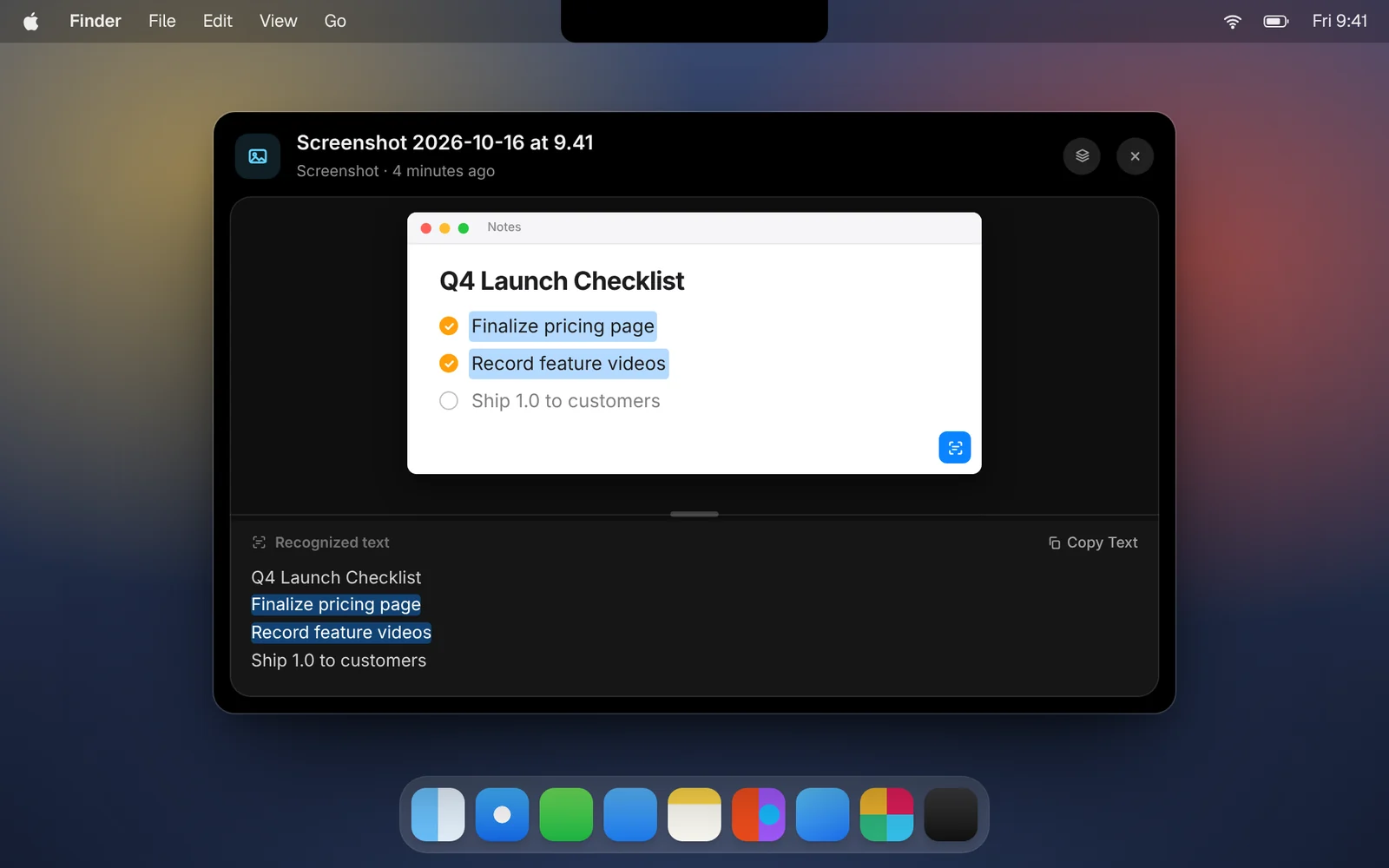
Retyping text from a screenshot is nobody’s favorite job. CopyPasta reads the text in every screenshot and image you copy, so you never have to.
How it works
- Take a screenshot as usual. CopyPasta adds it to your history automatically.
- Open the screenshot’s card with a double-click, or press Space.
- Select text right in the picture, or find all of it in the Recognized text pane below.
- Click Copy Text to copy everything at once.
Good to know
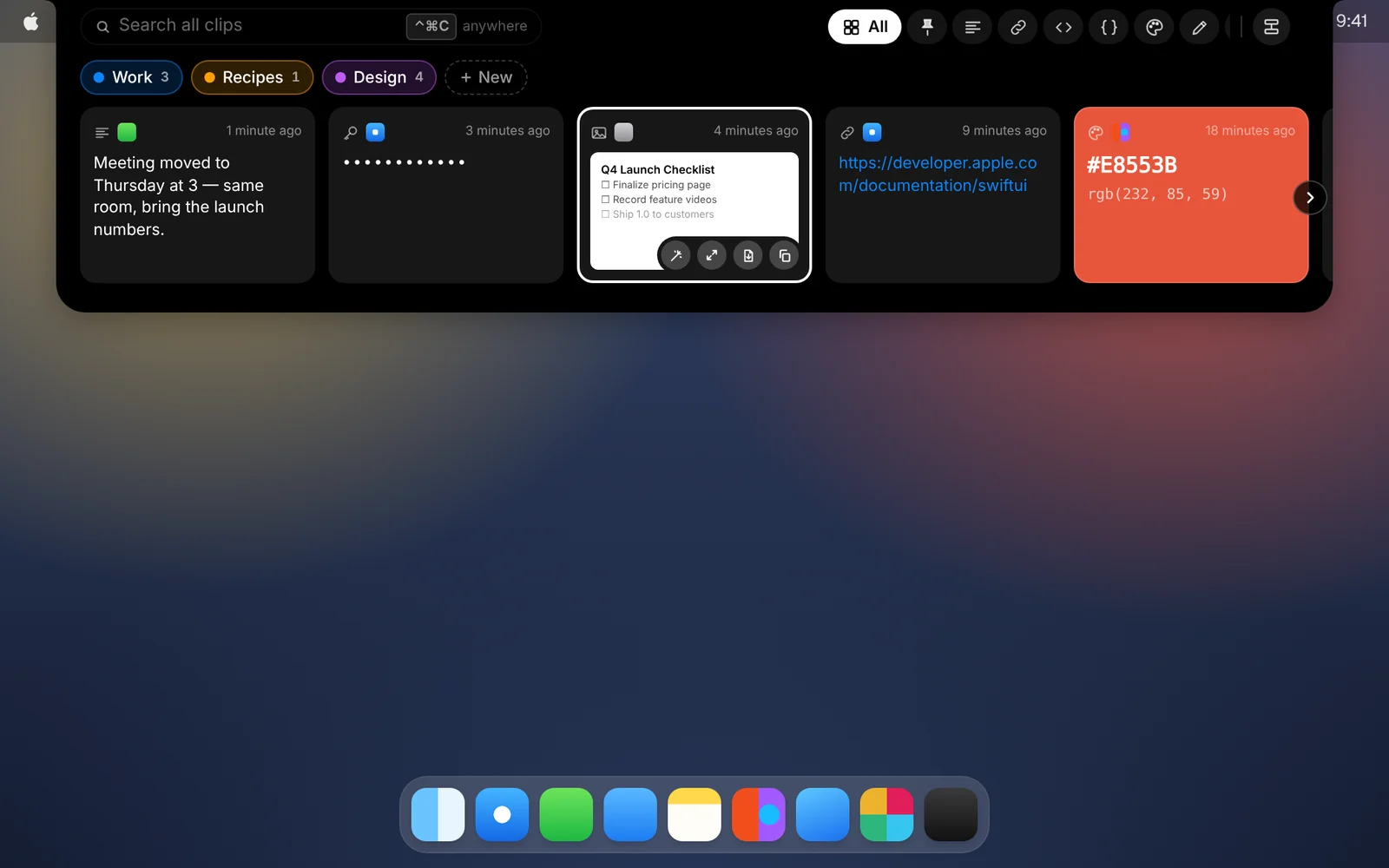
- Searchable. Every word in a screenshot works in search. That error message you screenshotted last week is a few letters away.
- Private. Text is recognized on your Mac with Apple’s Vision framework. Your screenshots never leave it for this.
- Every kind of screenshot. Screenshots saved with ⌘⇧3, ⌘⇧4 or ⌘⇧5 are added from the folder they’re saved in, and ones you copy with Control held arrive like any other copy.
- Your choice. Turn off text recognition, or saving screenshots to your history, any time in Settings.
Download CopyPasta and try every feature free for 7 days. No account, no credit card.