CopyPasta without the mouse
Every shortcut you need to open, search, pick and paste clips while your hands stay on the keyboard.
Amas
· 1 min read
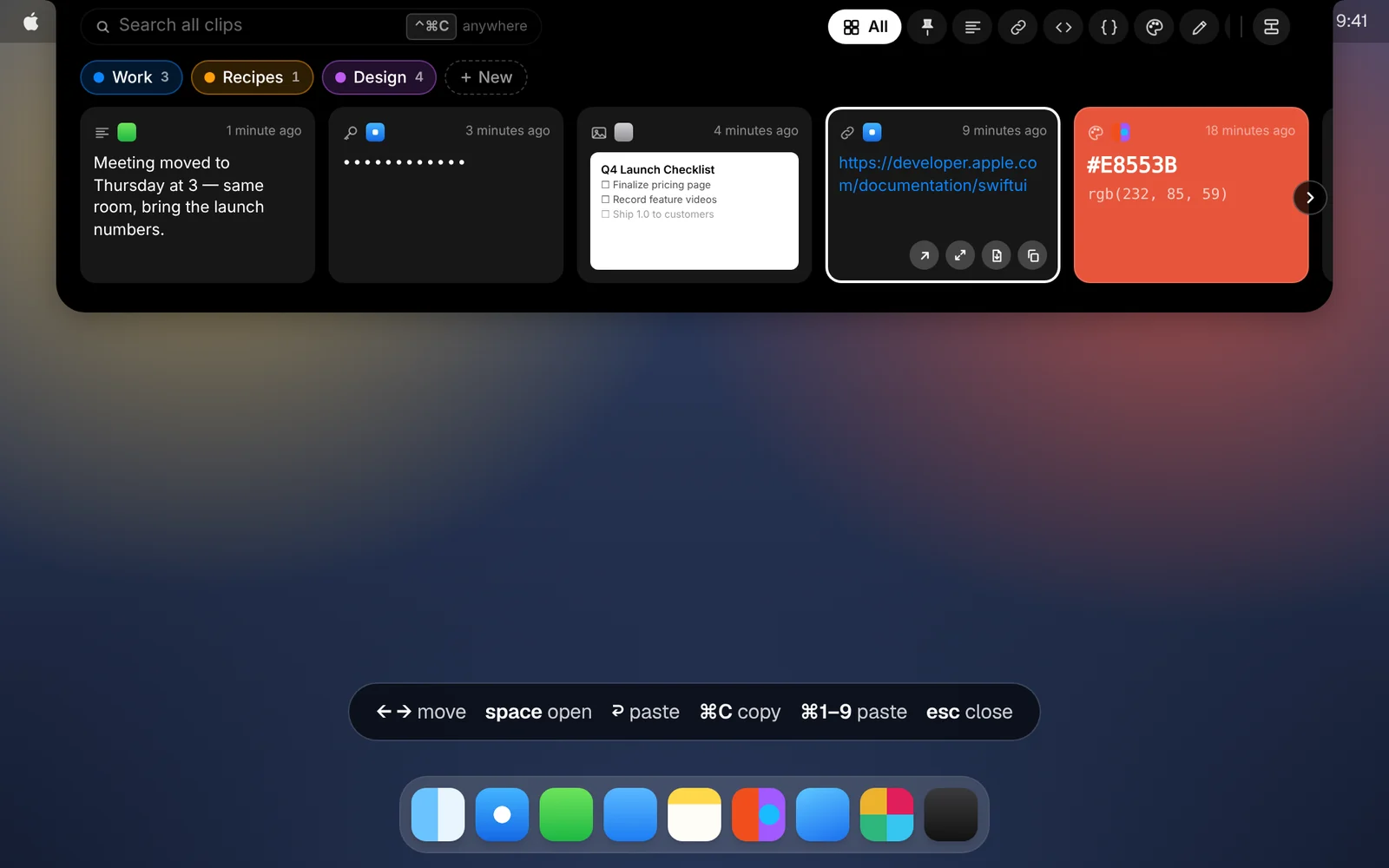
Everything in CopyPasta works from the keyboard. Here are the shortcuts worth learning.
From any app
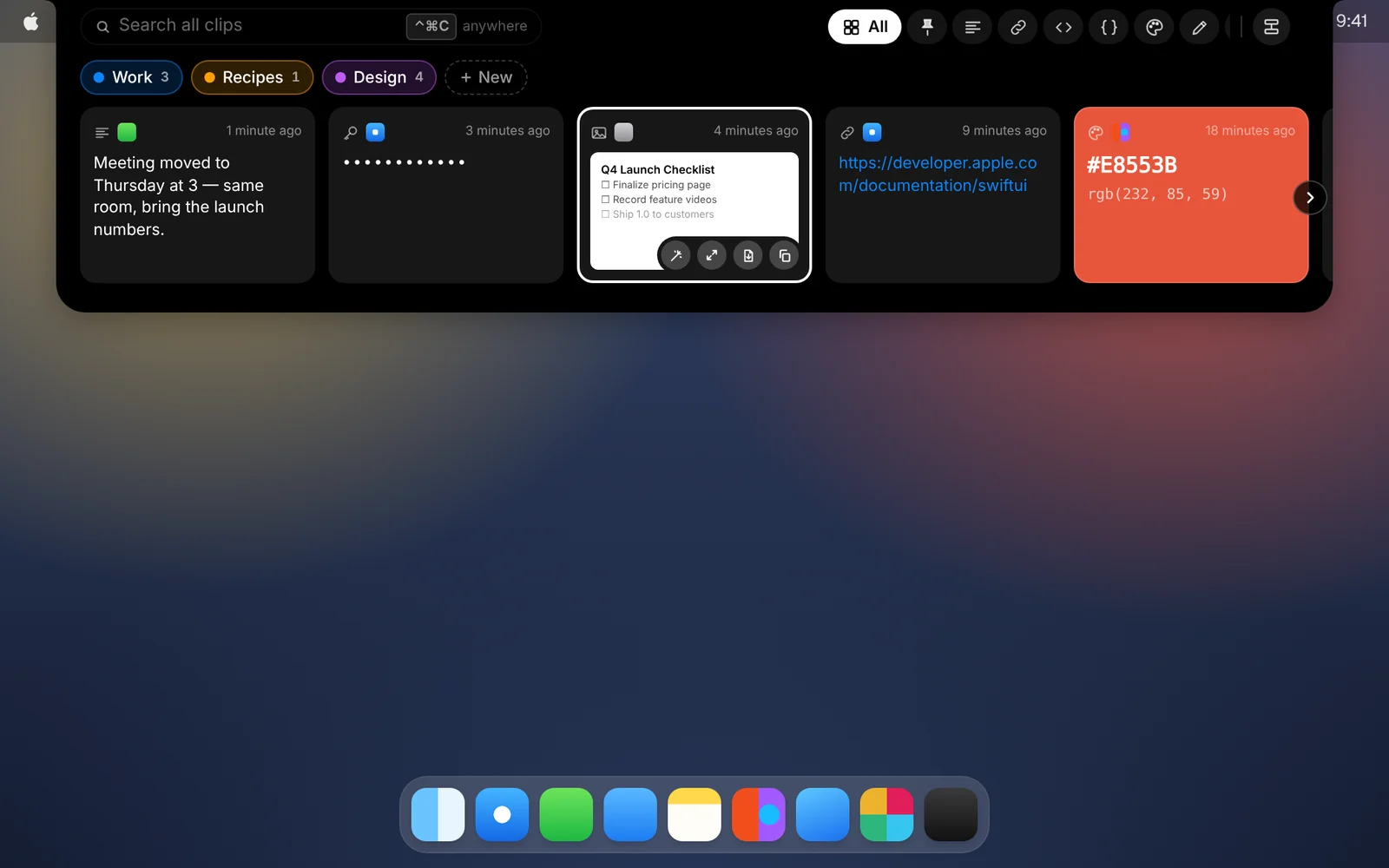
- ⌃⌘C or ⌃⌘V opens the shelf.
- ⌃⌘1 to ⌃⌘9 paste your 1st to 9th most recent clip, and ⌃⌘0 the 10th.
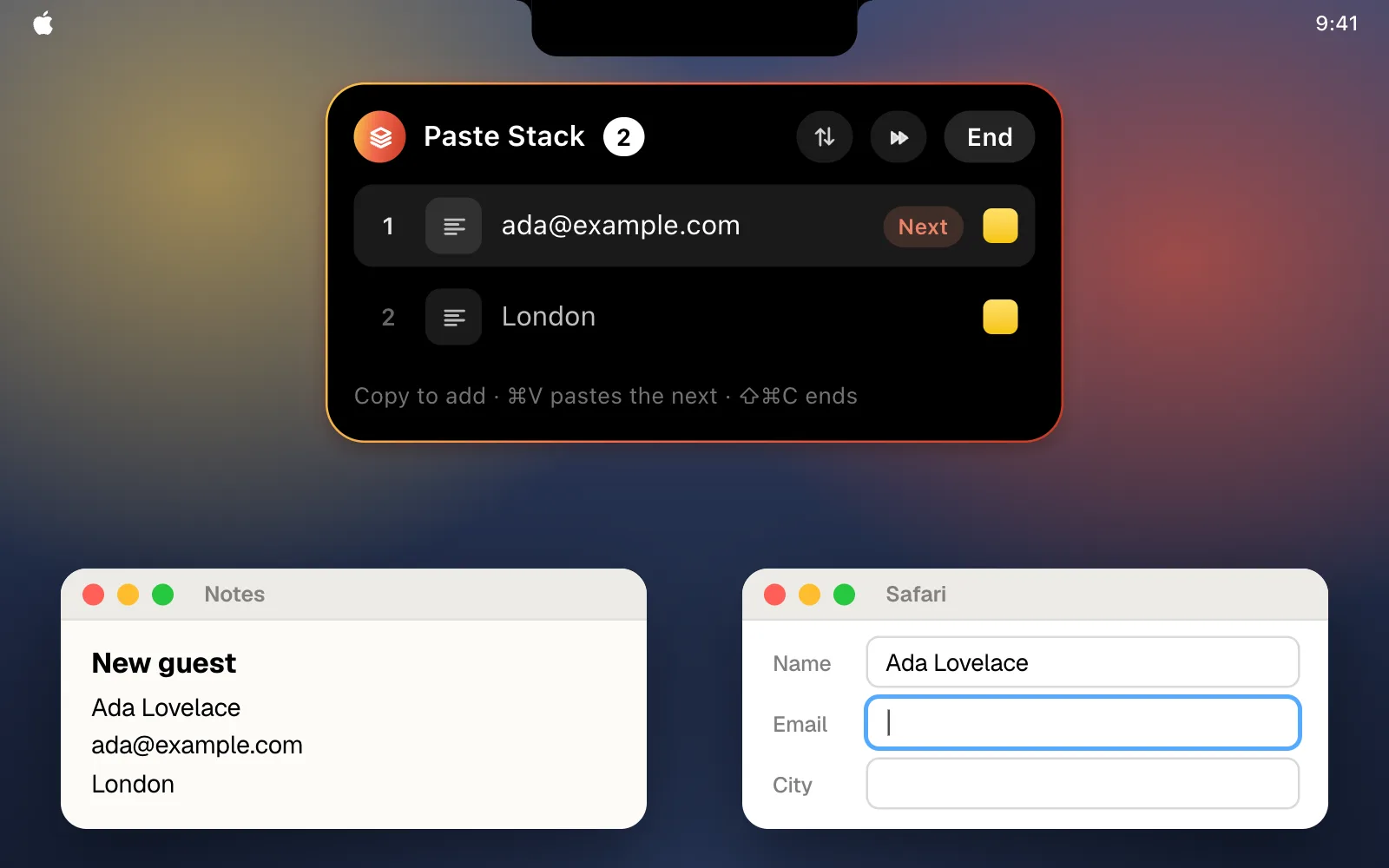
- ⇧⌘C starts or ends a Paste Stack. While it’s on, each ⌘V pastes the next clip in it.
In the shelf
- Just type to search.
- ← → move between cards. ↓ expands the shelf to three rows, where ↑ ↓ move between rows.
- ↩ pastes into the app you were using.
- ⌘1 to ⌘9 paste the first nine cards.
- Space or ⌘↩ opens the highlighted card in its own window.
- ⇧← ⇧→ extend the selection, and ⌘A selects every card.
- ⌘C copies the selection or the highlighted card.
- ⌘⌫ deletes the selection or the highlighted card.
- ⇧⌘↩ opens a link in your browser.
- Esc goes back a step: it clears the highlight, the selection and the search, then closes the shelf.
In a clip’s window
- ⌘O opens a link in your browser.
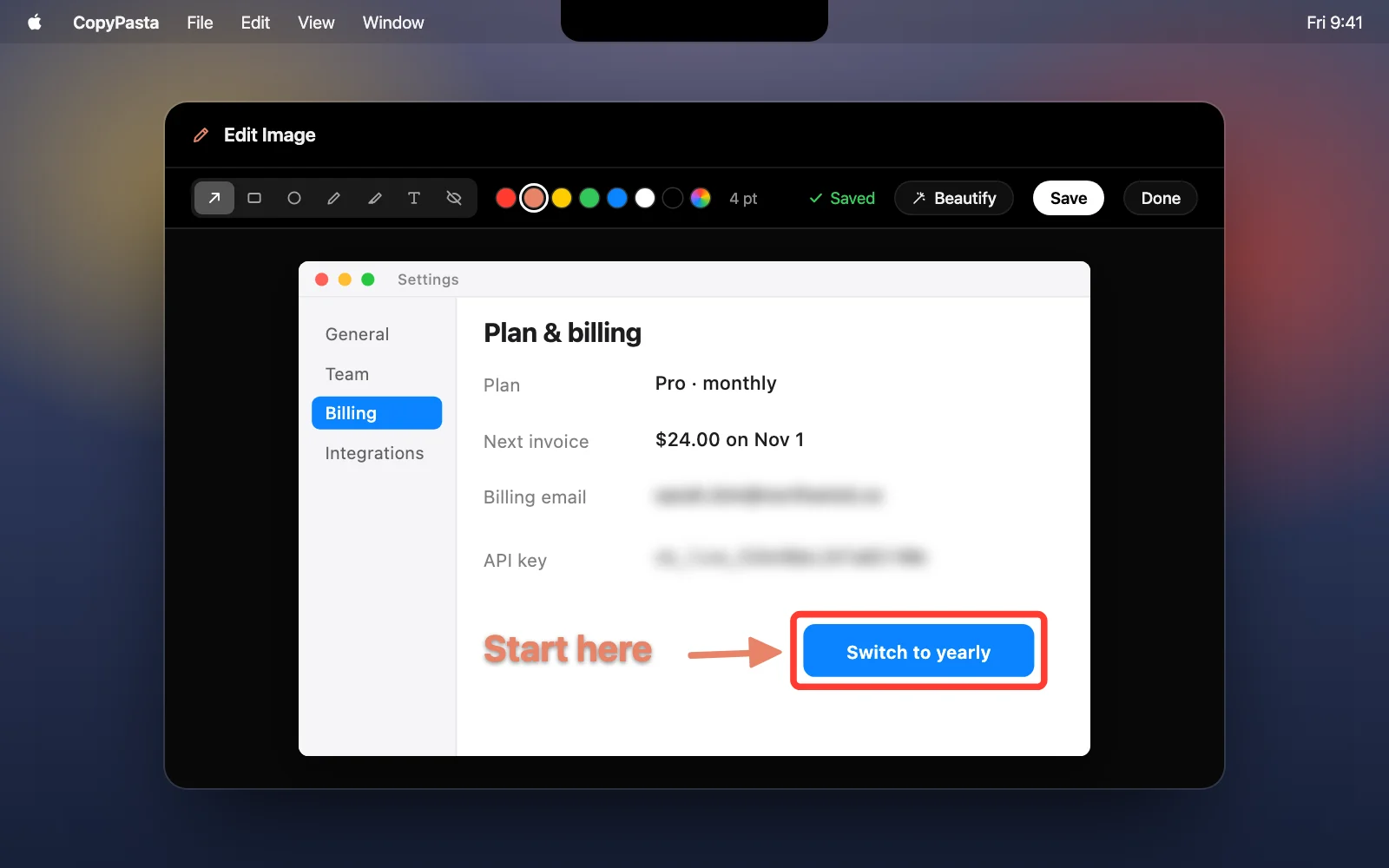
- ⌘E opens an image in the image editor.
- ⌘B opens a screenshot in Beautify.
- ⌘I shows or hides Apple Intelligence.
You’ll find this list in Settings too, under Shortcuts.
Download CopyPasta and try every feature free for 7 days. No account, no credit card.