Messy JSON, readable in one click
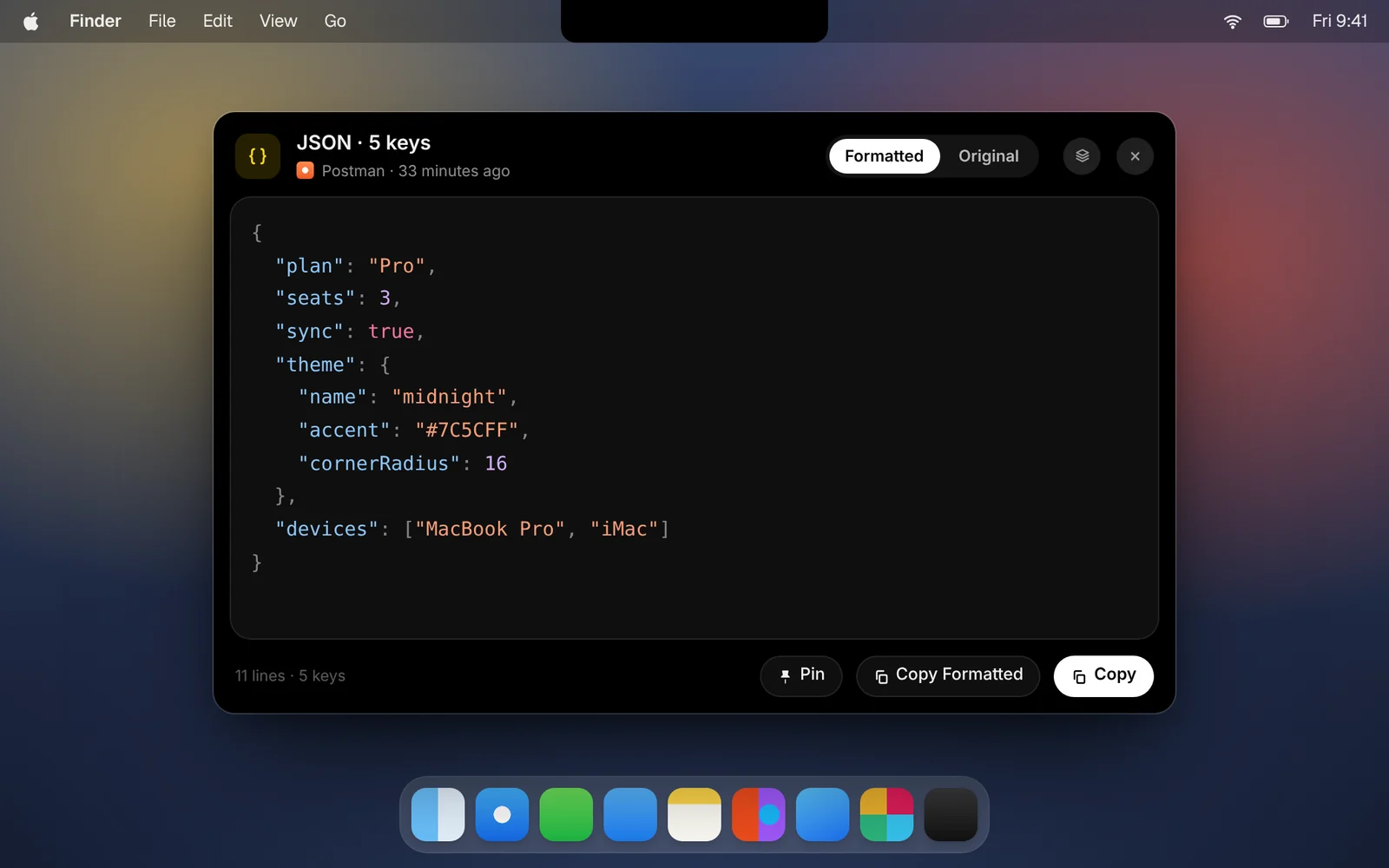
Copy JSON and CopyPasta shows it indented and colored, ready to read or to copy back formatted.
Amas
· 1 min read
API responses, config files and log lines often arrive as one long line of JSON. CopyPasta recognizes JSON when you copy it and makes it readable.
How it works
- Copy any JSON object or array.
- Open its card in CopyPasta. It’s shown formatted, with keys, strings, numbers and values in their own colors.
- Click Copy Formatted to copy the indented version, or Copy for the original.
Good to know
- Nothing changes but the spacing. Keys stay in their original order and numbers are written exactly as they were.
- Both views. Switch between Formatted and Original at the top of the window.
- Big files are fine. Large documents and logs scroll smoothly, however long they are.
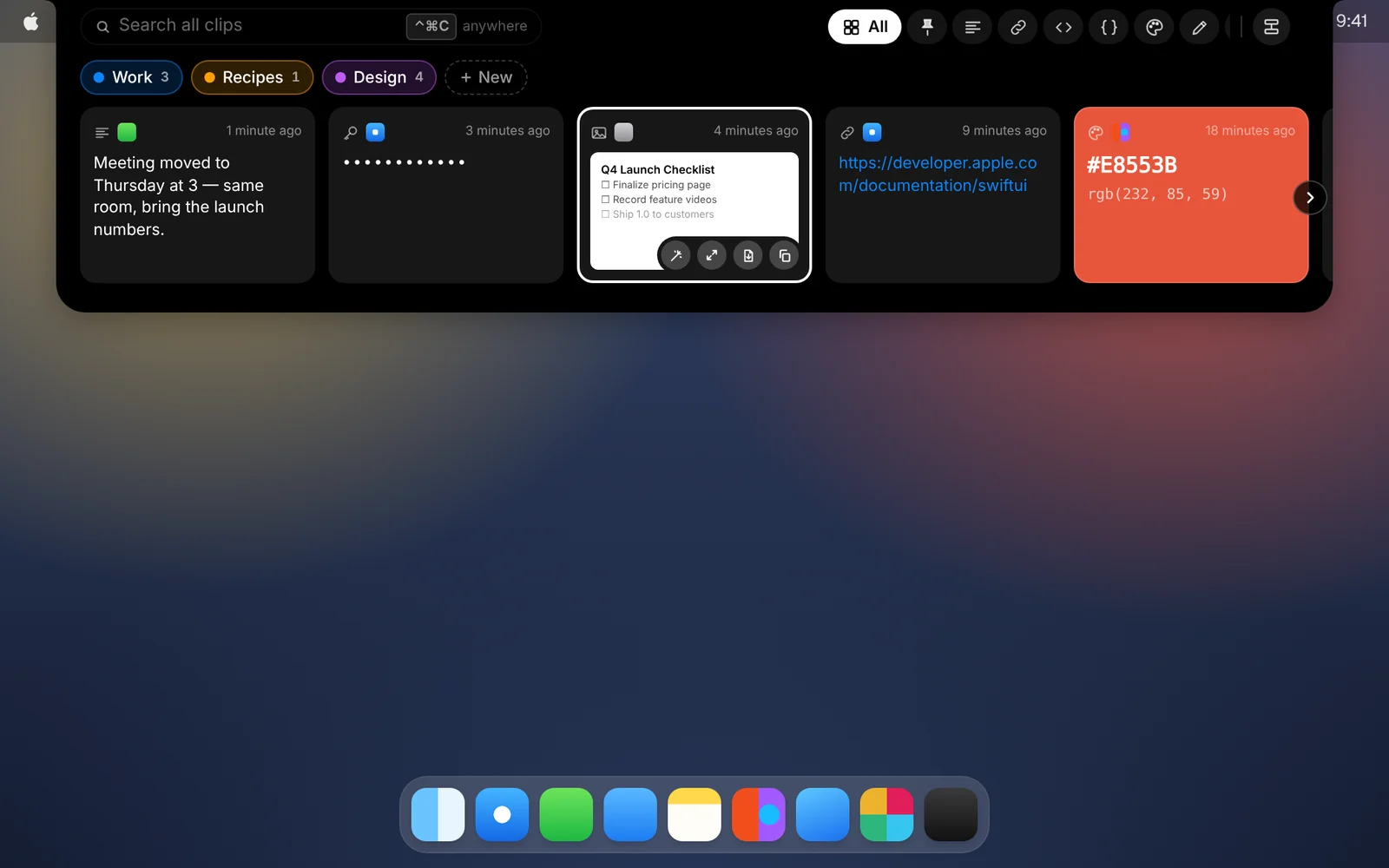
- Find it fast. Use the JSON tab in the shelf to see only your JSON clips.
Download CopyPasta and try every feature free for 7 days. No account, no credit card.